- Cognitive data capture combines AI, context, validation, and structured output to reduce manual processing work.
- It handles varied document layouts and unstructured content without relying on rigid templates or coordinates.
- Enterprises gain faster processing, stronger data quality, and easier integration with downstream systems at scale.
Enterprise teams receive data from multiple document sources. Access to documents is rarely the challenge. The real problem is turning that content into reliable data without slowing operations with manual entry. Cognitive data capture solves this using AI-based methods. It identifies, reads, interprets, validates, and structures information from varied document formats.
The business case is clear. Manual capture creates rework, delays, and data quality risks as volume grows. In a clinical-trial evaluation, automated data capture reduced the error rate from 5.8% to 1.2%, compared with manual abstraction and data entry. That is a 79% reduction in errors.
For enterprise teams, cognitive data capture works the same way. It can shorten processing cycles, reduce repetitive work, and make document data available to downstream systems faster. It shifts capture from basic transcription to context-aware document processing. This processing can support decisions, controls, and automation across large business operations.
What Is Cognitive Data Capture?
Cognitive data capture is the use of AI, machine learning, natural language processing, and computer vision to extract and interpret information from documents. Unlike basic OCR, it can use document context, field relationships, and learned patterns to identify data across changing layouts. The output is structured information that business systems can validate, search, route, analyze, or process automatically.
How Cognitive Data Capture Works
Cognitive data capture combines document recognition, language analysis, learning models, validation, and workflow rules to convert incoming files into structured data ready for use across connected enterprise processes.
The Core Technologies Behind
AI coordinates decisions across the capture workflow. Machine learning recognizes document patterns and improves classification and extraction based on training data and feedback. Natural language processing interprets text, labels, entities, and relationships within content. Computer vision analyzes page structure, images, tables, handwriting, and spatial position. Together, these technologies help software understand what a document contains and where information appears.
The Process Flow: From Ingestion to Structured Output
- Document ingestion: Files enter through email, portals, scanners, APIs, cloud storage, or business applications. The system accepts different formats and prepares them for processing.
- Classification: The software identifies the document type, such as an invoice, mortgage form, claim, or purchase order, and sends it to the correct extraction flow.
- Data extraction: AI models locate required fields, tables, text blocks, dates, totals, names, and other target information.
- Validation: Business rules, confidence scores, cross-field checks, and human review identify uncertain or conflicting values.
- Structured output: Verified data is converted into formats such as JSON, XML, or system-specific records and sent to downstream workflows.
Cognitive Data Capture vs. Traditional OCR and Template-Based Capture
The main difference is how each method reads documents, handles layout changes, interprets information, and turns extracted content into usable business data.
Why Cognitive Data Capture Matters for Enterprises
Enterprises use cognitive data capture to improve data quality, process larger document volumes, support varied formats, and reduce the maintenance required by rigid extraction methods as source documents change.
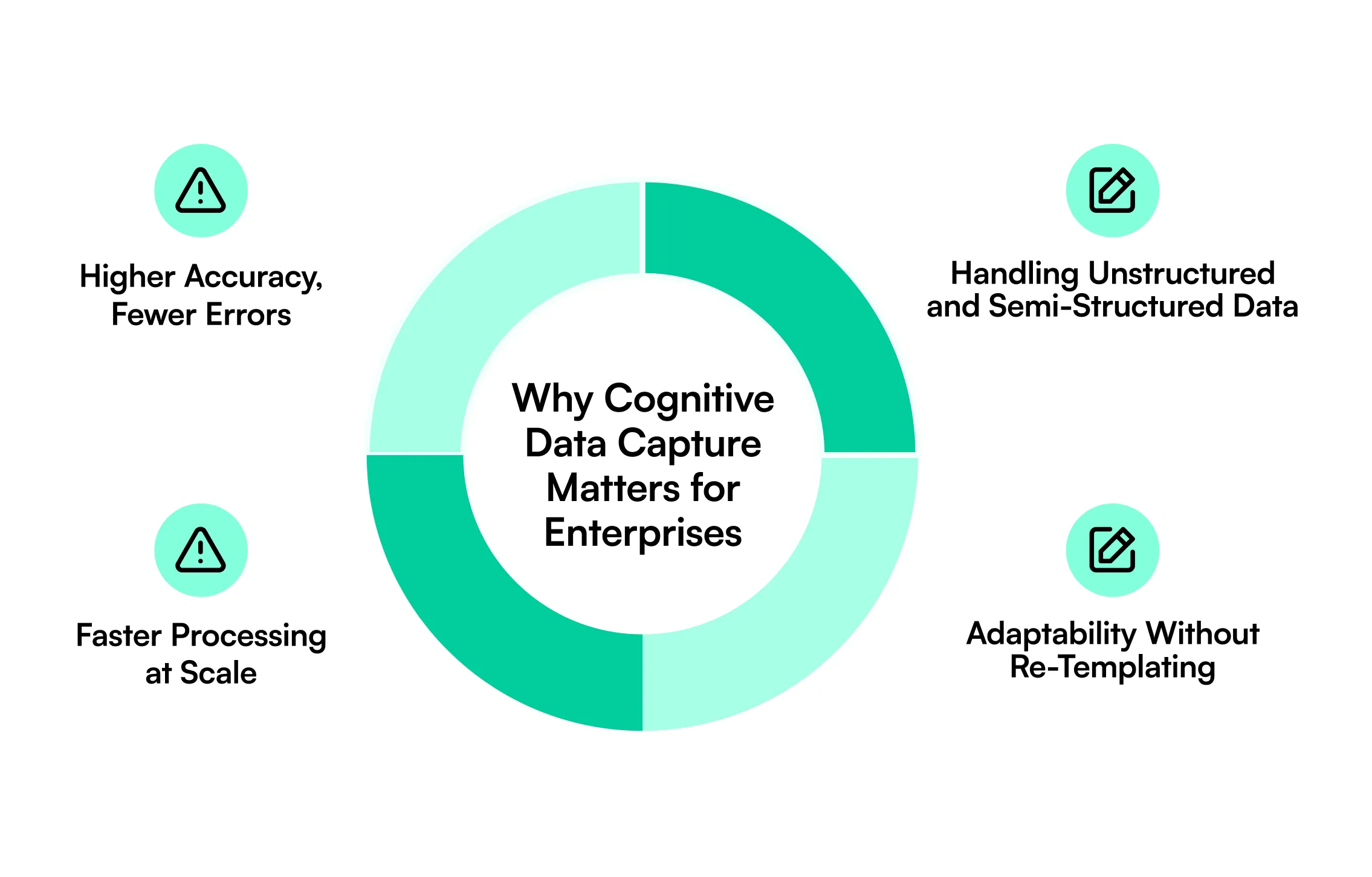
Higher Accuracy, Fewer Errors
Cognitive systems compare extracted values with context, confidence thresholds, field relationships, and business rules. Low-confidence data can move to human review instead of passing directly into downstream systems. This reduces the risk created by manual keying and unchecked OCR output while giving teams more control over sensitive fields and exceptions.
Faster Processing at Scale
AI-based capture can process documents in parallel and route results automatically. Teams can handle higher volumes without increasing manual data-entry effort at the same rate. Faster capture also gives underwriting, finance, claims, operations, and compliance teams earlier access to information required for decisions.
Handling Unstructured and Semi-Structured Data
Enterprise documents rarely follow one fixed format. Cognitive data capture can identify information in contracts, emails, statements, claims, forms, tables, and other variable layouts by using content, context, labels, and relationships instead of fixed coordinates alone.
In a peer-reviewed electronic data capture study, the system assisted with 75% of fields sourced from unstructured information such as clinical notes and reports.
Adaptability Without Re-Templating
Template-based systems may need updates every time a supplier, lender, carrier, or customer changes a document layout. Cognitive models can recognize the same fields across varied designs, reducing template maintenance and helping teams add new document variations without rebuilding extraction rules from scratch.
Real-World Applications of Cognitive Data Capture
Cognitive data capture supports document-heavy operations where teams must turn incoming files into accurate, structured information before a business decision, review, approval, transaction, or downstream workflow can move forward.
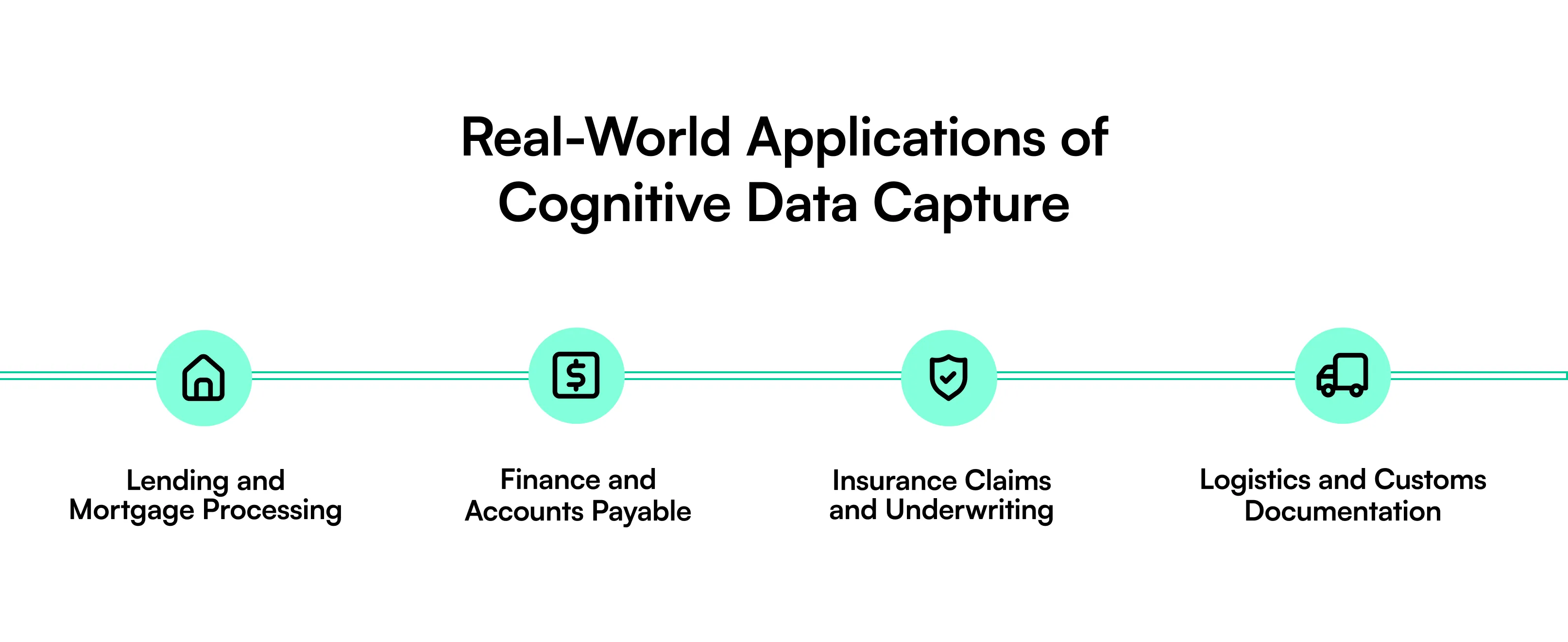
Lending and Mortgage Processing
Mortgage teams process loan applications, bank statements, pay stubs, tax documents, appraisals, closing disclosures, title files, and other supporting records. Cognitive data capture can classify these documents, extract borrower and loan data, compare values across files, and flag missing or conflicting information.
Structured results can feed underwriting, quality control, compliance, and loan origination workflows. This reduces the time reviewers spend locating information across large loan packages. It also helps teams focus on exceptions, document gaps, conflicting values, and cases that require professional judgment rather than repetitive document review.
Finance and Accounts Payable
Accounts payable teams receive invoices in different formats from many suppliers. Cognitive capture can extract invoice numbers, supplier names, dates, purchase-order references, line items, tax values, payment terms, and totals.
The data can then support matching, approval, exception handling, duplicate detection, and ERP posting. This reduces repetitive entry and helps finance teams identify missing purchase orders, inconsistent amounts, incorrect supplier details, or duplicate invoices earlier in the process. Structured invoice data can also reduce the number of manual handoffs required before payment.
Insurance Claims and Underwriting
Insurance workflows depend on claim forms, loss notices, policy documents, medical records, estimates, certificates, photographs, and supporting evidence. Cognitive data capture can classify incoming files and extract policy numbers, claimant details, dates, coverage data, amounts, and other decision fields.
Claims teams and underwriters can use structured data to review cases faster while routing unclear or incomplete information for further review. The same approach can help compare information across multiple documents, identify missing evidence, and move validated data into claims or policy administration systems.
Logistics and Customs Documentation
Logistics teams work with bills of lading, commercial invoices, packing lists, delivery documents, customs forms, and certificates. Cognitive capture can extract shipment references, product details, quantities, weights, addresses, tariff-related fields, container information, and declared values.
The resulting data can flow into transportation, customs, warehouse, or ERP systems. Faster capture reduces manual handoffs between shipping teams, brokers, warehouse staff, and back-office operations. It also creates more consistent data across documents that may arrive from different carriers, suppliers, countries, or freight partners.
Implementation Considerations: What to Look for in a Cognitive Data Capture Solution
Enterprise buyers should evaluate how a system manages accuracy, human review, integrations, document variation, and processing volume before moving cognitive capture into production workflows that affect financial, operational, or customer decisions.
Accuracy and Human-in-the-Loop Validation
Look beyond a single accuracy percentage. Review field-level confidence, validation rules, exception routing, audit trails, and human review options. The system should separate high-confidence results from data that needs verification, especially for financial, compliance, or customer-impacting fields. Check whether corrections are logged, traceable, and available as feedback for future processing.
Integration With ERP, CRM, and Existing Workflows
Captured data creates value only when it reaches the systems that use it. Check API support, webhooks, export formats, connectors, authentication, error handling, and workflow triggers. Integration should support ERP, CRM, LOS, claims, document management, or other business systems without forcing teams to rebuild downstream processes. Teams should also review how failed transfers are detected, retried, and monitored.
Scalability Across Document Types and Volumes
Test the platform with real document variation, not a small set of clean samples. Review performance across new layouts, large files, tables, handwriting, poor scans, and volume spikes. Assess how quickly teams can add document types, fields, validation rules, and review workflows. Measure processing speed and extraction quality as document volume and variety increase.
How Infrrd Approaches Cognitive Data Capture
Infrrd applies cognitive data capture through its Intelligent Document Processing platform. The system combines AI, machine learning, document classification, extraction, validation, confidence scoring, and human-in-the-loop review to convert varied enterprise documents into structured data. Infrrd supports horizontal document processing across use cases such as mortgage, insurance, invoices, audit, construction, and manufacturing.
Infrrd has helped enterprises achieve 80% return on investment, a 54% operational efficiency gain, and 100% accurate results with Human-in-the-Loop.
Conclusion
Manual data capture becomes harder to control as document volume, formats, and decision requirements increase. Traditional OCR can digitize text, but enterprise workflows often need more: classification, context, validation, structured output, and exception handling.
Cognitive data capture brings these functions together. It helps teams convert document content into usable data faster, reduce repetitive entry, and support stronger review controls. The next step for enterprises is not simply replacing keyboards with OCR. It is building a capture process that can understand varied documents, check uncertain data, connect with business systems, and scale as operational demand changes over time.
Frequently Asked Questions
What’s the difference between cognitive data capture and OCR?
OCR converts document images into machine-readable text. Cognitive data capture goes further by interpreting context, extracting target fields, validating results, and creating structured business data.
Can cognitive data capture handle handwritten documents?
Yes. Systems with handwriting recognition and computer vision can process many handwritten documents, but accuracy depends on handwriting quality, scan quality, document type, and model training.
How accurate is cognitive data capture compared to manual entry?
Accuracy varies by document and system. AI-assisted capture can reduce manual-entry errors, while confidence scoring and human review can verify uncertain fields before downstream use.
Is cognitive data capture the same as intelligent document processing (IDP)?
They overlap closely. Cognitive data capture focuses on extracting and interpreting document data, while IDP often adds classification, validation, workflow routing, integration, and process automation.




.webp)