- Touchless invoice processing automates extraction, validation, approvals, and routing while humans focus on exceptions only.
- AI-driven workflows reduce manual effort, improve accuracy, accelerate approvals, and strengthen invoice visibility substantially.
- Successful implementation depends on flexible extraction, ERP integration, exception handling, and continuous performance measurement practices.
Accounts payable teams often spend hours reviewing invoices, correcting errors, matching purchase orders, and following up for approvals. Manual invoice workflows can lead to around 2% invoice error rates, creating delays, payment issues, and extra review work.
Many companies started with basic automation to reduce repetitive tasks. However, traditional automation still required people to manage exceptions, check data, and move invoices between systems. This created a need for a smarter approach.
Touchless invoice processing changed this by using AI to capture invoice data, validate information, route approvals, and complete processing with minimal human involvement. It helps AP teams handle higher invoice volumes while improving speed, accuracy, and control.
This blog explains how touchless invoice processing works, how it compares with traditional methods, its benefits, key success metrics, and steps to implement it.
What Is Touchless Invoice Processing?
Touchless invoice processing is an AI-powered approach that automates the complete invoice lifecycle with limited manual effort. It captures invoice data, validates details, matches records, manages approvals, and sends payment information to business systems automatically. Human teams mainly handle exceptions that require judgment or additional review.
Touchless/Zero-Touch vs. Straight-Through Processing (STP)
Infrrd also provides No-Touch Processing (NTP) capabilities that help businesses automate invoice workflows with minimal human involvement. NTP enables invoices to move through capture, validation, and processing steps automatically while maintaining accuracy, visibility, and control.
How Touchless Invoice Processing Works
Touchless invoice processing connects AI extraction, validation, approvals, and payment systems into one automated workflow. Each stage removes manual steps and helps AP teams process invoices faster with fewer errors.
Invoice Capture and AI-Powered Data Extraction
AI captures invoices from emails, portals, and document systems. It extracts key fields such as vendor details, invoice numbers, line items, totals, and payment terms. Unlike fixed templates, AI-based extraction can handle different layouts and document formats.
Validation and 3-Way (or 4-Way) Matching
The system validates extracted data against purchase orders, goods receipts, contracts, and other records. Three-way matching checks the invoice, purchase order, and receipt details. Four-way matching adds quality or inspection records where required.
Automated Approval Workflows and Exception Routing
Invoices that meet business rules move through approval workflows automatically. The system identifies missing data, mismatches, or unusual patterns and sends only those cases for human review.
ERP Integration and Payment Posting
After approval, invoice details flow into ERP and financial systems. The process reduces manual data entry and helps teams maintain accurate payment records.
Manual vs. Touchless Invoice Processing: What Changes
The biggest difference is how much human effort is needed at each step. Touchless processing shifts teams from repetitive invoice handling to reviewing important exceptions and business decisions.
Benefits of Touchless Invoice Processing
AI-powered invoice automation helps AP teams reduce repetitive work and improve financial operations. It creates faster workflows while giving teams better visibility into invoice status and performance.
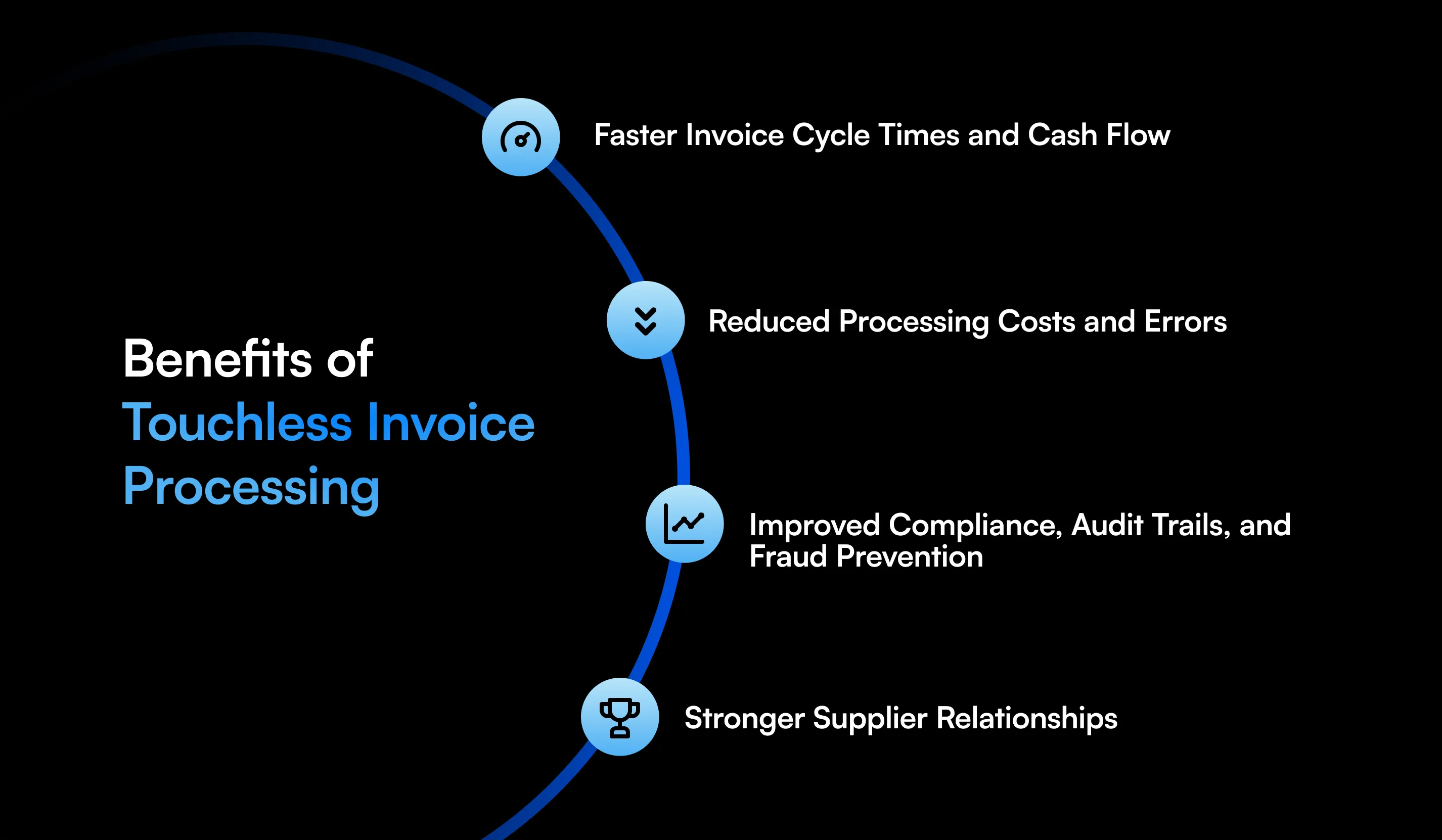
Faster Invoice Cycle Times and Cash Flow
Touchless invoice processing reduces delays caused by manual entry, approvals, and follow-ups. Faster processing helps companies approve invoices quickly and maintain better supplier payment schedules.
Reduced Processing Costs and Errors
Automation reduces manual tasks such as data entry and invoice checking. AI validation improves accuracy and helps prevent mistakes caused by missing or incorrect information.
Improved Compliance, Audit Trails, and Fraud Prevention
Every invoice action can be tracked through digital records. Approval history, validation results, and exception details provide better visibility for audits and help identify suspicious activity.
Stronger Supplier Relationships
Faster invoice approvals and timely payments improve supplier experiences. Vendors receive clearer updates, fewer payment delays, and better communication.
How to Measure Touchless Processing Success: Key Metrics
Companies should track performance metrics to understand how well their touchless invoice processing workflow performs. These measurements help identify improvement areas and operational gains.
Key metrics checklist:
- Touchless Rate: Percentage of invoices processed without human involvement.
- Exception Rate: Number of invoices requiring manual review.
- Exception Resolution Time: Time taken to resolve flagged invoices.
- Cost per Invoice: Average expense involved in processing each invoice.
- Processing Cycle Time: Time from invoice receipt to payment approval.
- First-Pass Accuracy: Percentage of invoices processed correctly without rework.
- Approval Time: Time required to complete invoice approvals.
How to Implement Touchless Invoice Processing in Your AP Workflow
A successful implementation starts with understanding current processes and selecting technology that fits existing business needs. Companies can move step-by-step by improving extraction, workflows, and system connections.
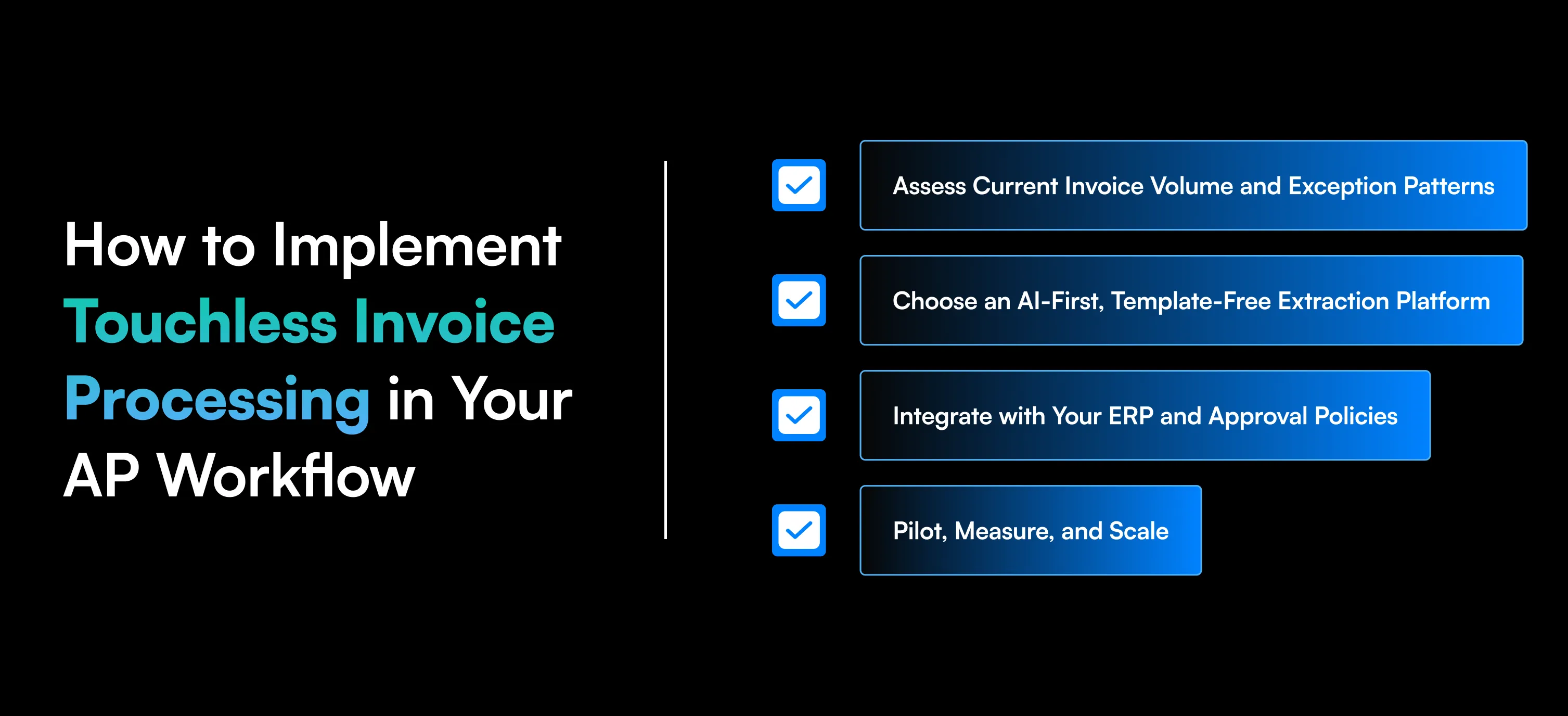
Assess Current Invoice Volume and Exception Patterns
Review invoice volumes, document types, error sources, and approval delays. This helps identify where automation can deliver the biggest impact.
Choose an AI-First, Template-Free Extraction Platform
Select a platform that can process different invoice formats without creating individual templates for every supplier. AI-based extraction helps manage changing document structures.
Integrate with Your ERP and Approval Policies
Connect the invoice platform with ERP systems and existing approval rules. This allows invoice data to move smoothly across finance processes.
Pilot, Measure, and Scale
Start with a focused workflow, measure touchless rates and processing improvements, then expand automation across additional invoice categories and business units.
Conclusion
Touchless invoice processing solves the challenges created by manual AP workflows, including slow approvals, data errors, and high processing effort. By using AI for extraction, validation, matching, and routing, companies can automate more invoices while keeping humans involved for important decisions.
As invoice volumes grow, businesses need systems that can handle documents faster without adding operational pressure. Touchless processing gives AP teams better control, faster cycle times, and improved accuracy while creating a more efficient invoice management process.
FAQs
What types of invoices can be processed touchlessly?
Touchless invoice processing can handle purchase invoices, service invoices, utility bills, recurring invoices, and invoices from different suppliers and formats.
Does touchless invoice processing mean zero human involvement?
No. It reduces manual work but allows humans to review exceptions, approvals, and cases requiring business judgment.
How does touchless invoice processing integrate with my ERP?
AI invoice platforms connect with ERP systems through APIs or integrations to transfer invoice data, approval status, and payment details.
What is a good touchless processing rate to target?
Many organizations aim for high touchless rates based on invoice quality and workflow maturity. Rates above 70% are common automation goals.
How is touchless invoice processing different from RPA?
RPA follows predefined rules for repetitive tasks, while AI-based invoice processing can understand documents, extract data, and handle variations.