- Beyond Basic OCR: Financial data extraction tools capture, validate, and structure financial information for downstream workflows.
- Choosing the Right Tool: Compare extraction accuracy, document coverage, validation capabilities, integrations, scalability, and pricing models.
- Matching Business Needs: Enterprise platforms support complex workflows, while API-based tools suit smaller, developer-led extraction projects.
A single misplaced decimal in a financial statement, an incorrect income figure on a tax return, or a missed transaction in a bank statement can change the numbers a business relies on. Unlike general document processing, financial data extraction requires more than capturing information. Every figure needs to be accurate, traceable, and ready for calculations, reconciliation, or compliance checks.
The scale is easy to underestimate. The IRS says it receives about 76 million paper tax returns and forms each year, alongside 125 million pieces of correspondence and other paper submissions. Historically, employees had to manually enter numbers from paper returns into its systems. Getting data from documents is only useful if it becomes reliable, structured information.
That is where financial data extraction tools differ. This guide compares five options and looks at where each fits based on document types, validation, workflow requirements, integrations, and review needs.
What Is Financial Data Extraction?
Financial data extraction is the process of identifying and converting information from financial documents into structured, machine-readable data. Software can capture fields, tables, line items, dates, balances, transaction details, borrower information, and other values from PDFs, scans, images, spreadsheets, or digital files. The extracted data can then feed accounting, lending, reporting, compliance, analytics, or other business systems with less manual entry.
Types of Financial Documents Teams Extract Data From
Financial data can appear in highly structured forms, long tables, scanned files, handwritten fields, and multi-document packages. The information teams need also changes by workflow.
Challenges of Manual Financial Data Extraction
Manual extraction remains common because financial teams already have spreadsheets, shared inboxes, legacy OCR, and staff trained around existing processes. Replacing those workflows can feel disruptive. But manual work creates predictable problems: data-entry errors, slow turnaround, repeated reviews, inconsistent field formats, and limited traceability. Legacy OCR can also return text without understanding the field, table, or document context. At higher volumes, these gaps can delay approvals, reconciliation, audits, lending decisions, and downstream reporting.
How to Automate Financial Data Extraction
Automating financial data extraction works best as a controlled pipeline rather than a single OCR step. A typical workflow looks like this:
- Capture: Ingest PDFs, scans, images, emails, or files from business systems.
- Classify: Identify the document type so the correct extraction logic can run.
- Extract: Capture fields, tables, line items, totals, dates, and other financial values.
- Validate: Check formats, business rules, confidence scores, and cross-document consistency. Route uncertain results for review.
- Export: Send approved data to an ERP, LOS, CRM, database, accounting platform, or API endpoint.
The goal is not simply to read a document. It is to move reliable financial data into the next business step with less manual handling.
Best Financial Data Extraction Tools In 2026
Before comparing financial data extraction tools, define what you actually need the software to do. A parsing API and a full financial document automation platform may both extract the same field, but the work before and after extraction can be very different.
Key criteria to evaluate include:
- Support for your financial document types
- Performance across varying layouts and scan quality
- Table and line-item extraction
- Document classification and splitting
- Field-level confidence and source traceability
- Human review for low-confidence results
- Business-rule and cross-document validation
- APIs, webhooks, connectors, and output formats
- Security, data residency, and deployment options
- Processing scale and latency
- Pricing at your expected document volume
- Effort required to maintain the workflow after deployment
Tool 1: Infrrd
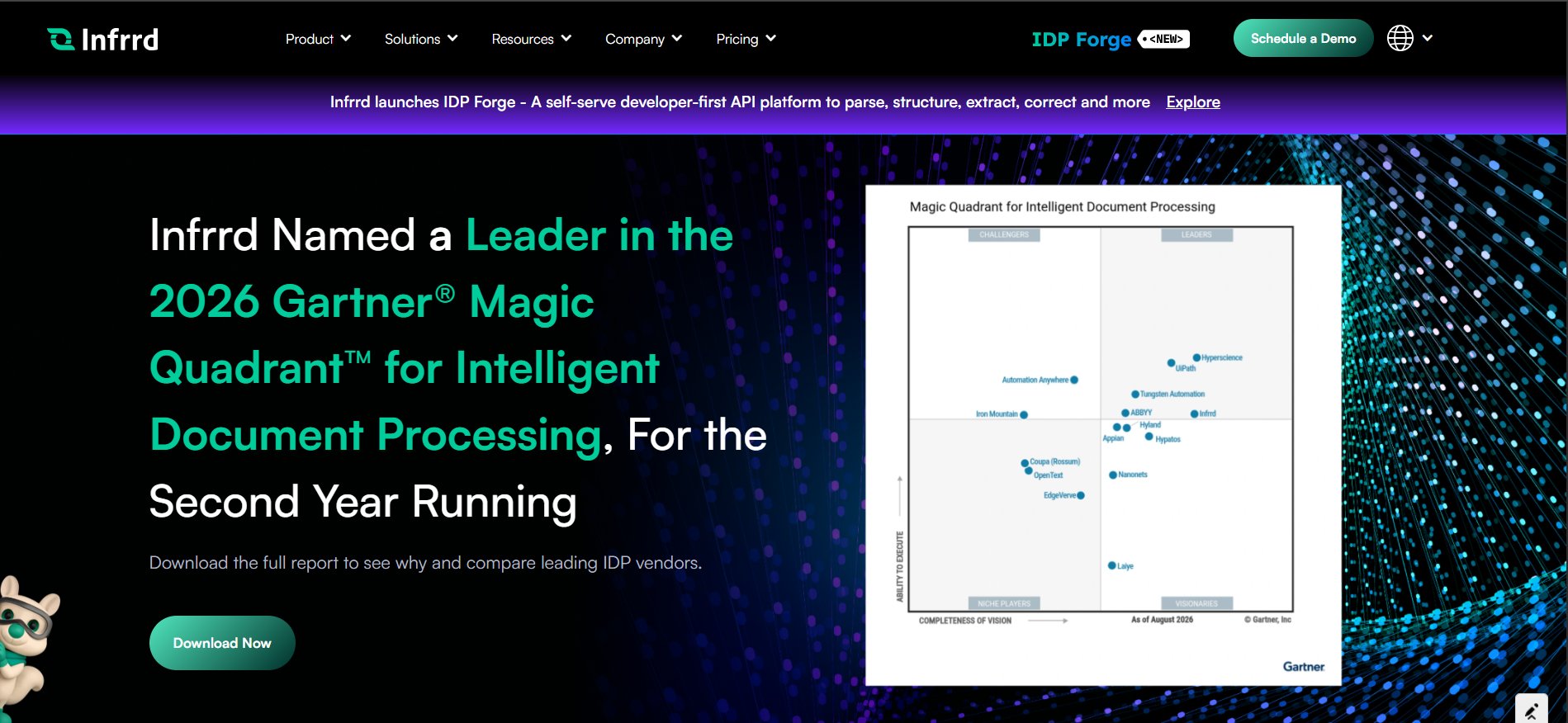
Infrrd is built for enterprises that need financial document extraction to work as part of a larger production process. It can classify financial files, extract fields and line items, assign field-level confidence, flag exceptions, and preserve an audit trail. Its financial automation offering supports invoices, receipts, expense records, AP, AR, and other financial documents across multiple formats and currencies.
Feature:
- Field-level confidence and validation: Extracted values can carry confidence scores and move into review workflows when required.
- Financial table and line-item extraction: Infrrd captures line items, quantities, pricing, taxes, vendor information, totals, and transaction-level data.
- Classification and document splitting: Large files can be identified, labeled, classified, and split before extraction starts.
- Enterprise workflow controls: The platform includes correction queues, document flagging, SLA management, APIs, auditing, human review, and no-touch processing options.
Drawbacks
- Infrrd is aimed primarily at larger production workflows. A company processing only a few hundred documents or a narrow document set may not need a full enterprise IDP deployment. Infrrd positions IDP Forge as the lighter developer-led option for those cases.
Tool 2: LlamaParse
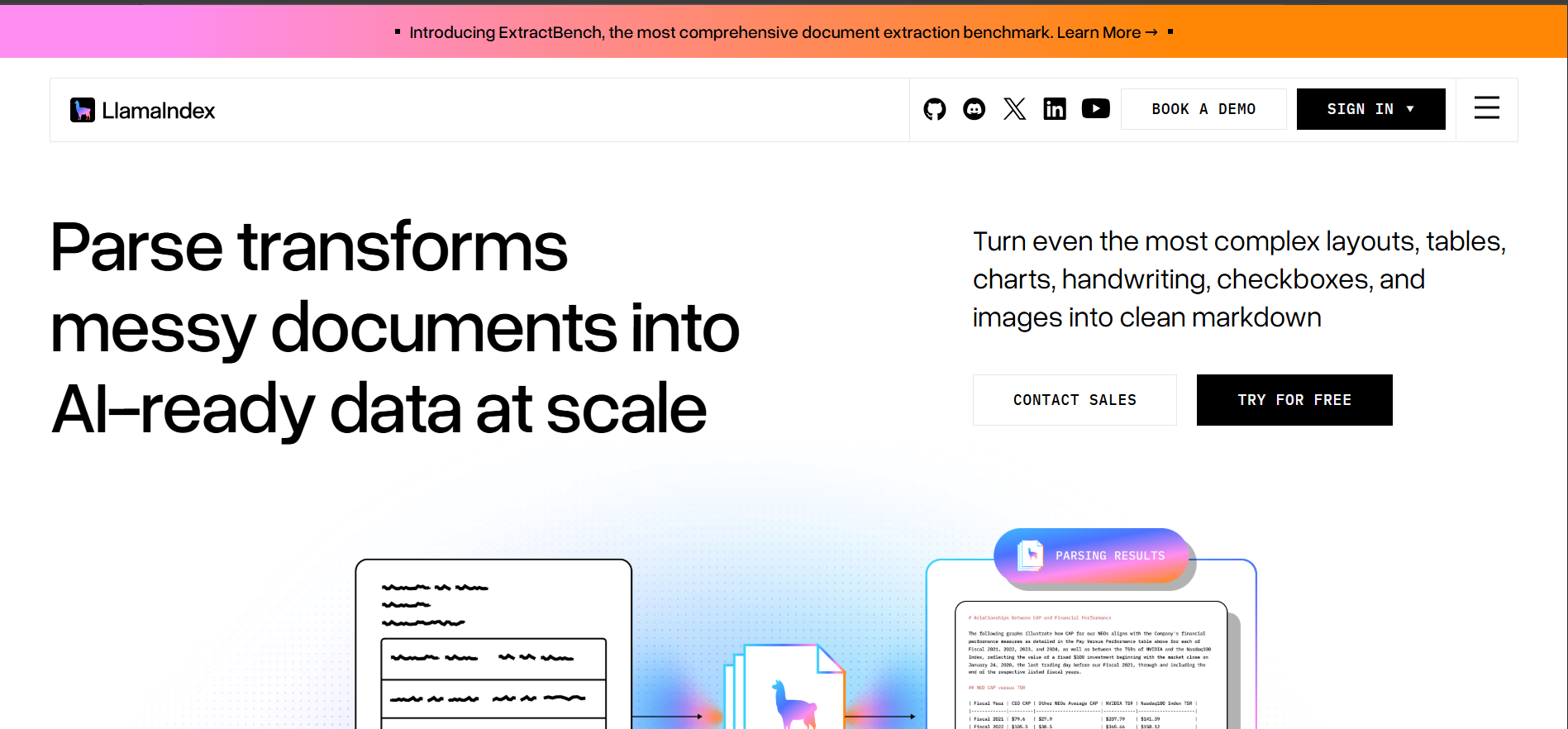
LlamaParse is a developer-focused document parsing platform from LlamaIndex. It is particularly useful when financial data sits inside difficult PDFs, tables, charts, scans, or other files that need to become structured input for AI applications, extraction systems, or RAG pipelines.
Feature:
- Layout-aware parsing: Handles tables, charts, handwriting, images, headers, sections, and difficult page structures.
- Structured outputs: LlamaParse API v2 can return text, Markdown, structured JSON, and metadata based on the requested configuration.
- Parse, extract, split, and classify: Developers can combine document parsing with extraction, document segmentation, and classification workflows.
- Source grounding: Granular bounding boxes can track information at line, word, and table-cell level for supported paid workflows.
Drawbacks
- LlamaParse is strongly developer API oriented. Finance teams that want a prebuilt operational workflow may need engineering work around validation, review, business rules, and downstream actions.
- Parsing modes offer different tradeoffs between cost, processing depth, speed, and accuracy. Teams should benchmark the required mode against their own financial documents before production use.
Tool 3: DocuClipper
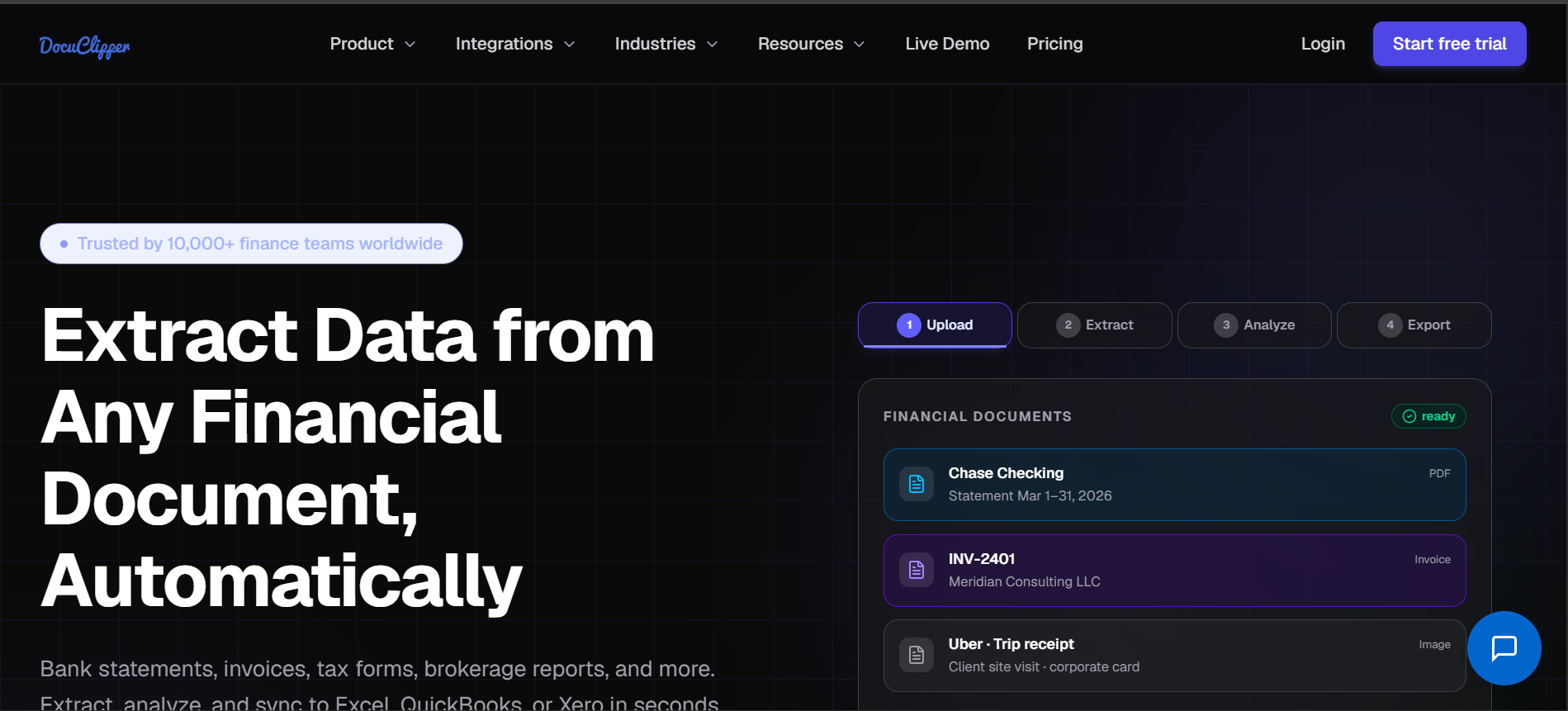
DocuClipper is a financial document extraction platform built around bank statements, credit card statements, invoices, receipts, checks, brokerage statements, pay stubs, and tax forms. It converts PDFs and scans into structured financial data that teams can review, reconcile, and export to spreadsheets, accounting systems, or downstream applications.
Feature:
- Bank and credit card statement extraction: DocuClipper extracts transaction dates, descriptions, debit and credit amounts, running balances, account details, and statement-period information from digital or scanned statements.
- Built-in reconciliation: Extracted bank transactions can be checked against opening and closing balances, with discrepancies surfaced before export.
- Financial form extraction: DocuClipper supports invoices, receipts, checks, brokerage statements, W-2s, 1099s, pay stubs, 1040-family tax forms, and other financial documents.
- Finance-focused exports and integrations: Teams can export data to Excel or CSV and, depending on the workflow, formats and systems such as QuickBooks, Xero, Sage, Quicken, and JSON/API endpoints.
Drawbacks
- DocuClipper is especially finance- and accounting-oriented, so teams needing broad enterprise document classification, complex cross-document validation, or highly customized operational workflows may need additional systems around it.
- Usage is page-based, and re-running a conversion consumes pages again, so teams processing large document volumes should model costs against their expected page count and retry patterns.
Tool 4: Nanonets
Nanonets combines document extraction with configurable automation workflows. It can ingest financial documents from several channels, extract fields and tables, route uncertain information for review, and send structured results into other systems.
Feature:
- Multi-format ingestion: Documents can enter through email, upload, API, scan, or connected storage systems.
- Financial document extraction: Nanonets supports invoices, receipts, bank statements, forms, purchase orders, and other document types.
- Exception review: Low-confidence fields can be routed to human reviewers with the source document available for context.
- Workflow automation: Teams can combine extraction with classification, validation, formatting, approval, routing, and system integrations.
Drawbacks
- Nanonets charges based on workflow block runs. A document that passes through extraction, classification, validation, formatting, and export can consume several billable blocks, so workflow design affects cost.
- Features such as advanced enterprise integrations, private deployment, SAML SSO, and some security controls sit within higher-level plans.
Tool 5: Amazon Textract
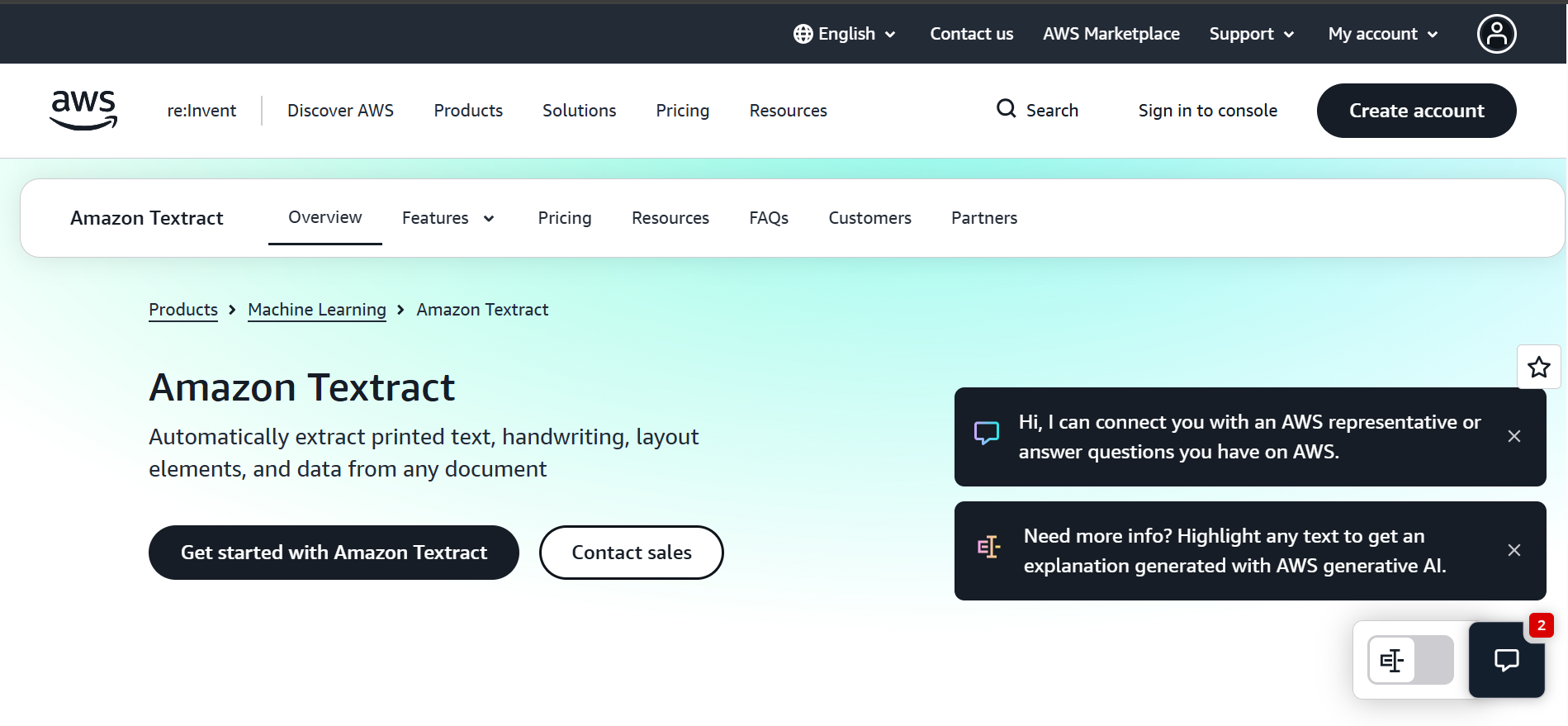
Amazon Textract is an AWS machine learning service for extracting text and structured information from documents. It is a strong option for engineering teams already building financial or lending workflows inside AWS and that want document extraction as a cloud API component.
Feature:
- Text and handwriting extraction: Textract reads printed and handwritten text from images and documents.
- Forms and tables: It extracts key-value pairs, table cells, headers, merged cells, selection elements, and layout information.
- Financial document APIs: AnalyzeExpense processes invoices and receipts, while Queries lets developers request specific information from a document.
- Mortgage document support: Analyze Lending can classify pages inside mortgage loan packages and route pages to the appropriate Textract analysis operation.
Drawbacks
- Provides extraction APIs only; workflow logic, validation, and exceptions need to be built separately
- Amazon Augmented AI, used for built-in human review, is now closed to new customers, so new users need their own review layer
Use Case Best Fit
The best financial data extraction tool depends on the document type, processing volume, validation requirements, and what happens after extraction. A finance team processing invoices has different needs from a bank analyzing statements or a developer building a custom financial application.
For smaller teams, startups, or developers processing a few hundred financial documents, a large enterprise IDP platform may be more than they need. IDP Forge by Infrrd fits these lighter use cases. Developers can use it for parsing, classification, document splitting, extraction, correction, validation, and post-processing through APIs.
This makes it useful for focused applications such as extracting tables from financial statements, processing a specific tax form, reading bank statements, or converting invoices into structured JSON. Teams can build the document-processing steps they need without adopting a full enterprise workflow platform.
Conclusion
The best financial data extraction tool depends on what happens after a document arrives. A lender processing large loan packages needs different controls from a developer parsing a few hundred PDFs or a finance team extracting invoices and bank statements. Start with your real documents, required fields, review process, integrations, and monthly volume. Then test each platform on difficult samples, not clean demos. Infrrd fits high-volume enterprise workflows, while LlamaParse, DocuClipper, Nanonets, and Amazon Textract serve different API, workflow, and cloud needs. If your requirement is smaller and developer-led, IDP Forge provides another path without deploying a full enterprise document automation platform.
FAQs about Financial Data Extraction
1. What is the best financial data extraction software?
There is no single best option for every team. Match the tool to document types, monthly volume, validation needs, integrations, security requirements, and review workflow.
2. How do financial data extraction tools work?
They ingest documents, identify document types, extract required fields or tables, validate results, flag uncertain values, and send approved data into downstream business systems.
3. Can financial data extraction tools read bank statement tables?
Yes. Many modern tools can capture transaction rows, account details, balances, dates, descriptions, and other table data from digital or scanned bank statements.
4. What is the difference between OCR and financial data extraction?
OCR converts visible text into machine-readable text. Financial data extraction adds document understanding, field mapping, table capture, validation, confidence scoring, and workflow logic.
5. How accurate are financial data extraction tools?
Accuracy varies by document quality, layout, field type, handwriting, model, and validation setup. Test vendors on your own difficult documents before selecting a platform.
6. What financial documents can data extraction software process?
Common inputs include invoices, receipts, bank statements, tax forms, pay stubs, loan files, financial statements, purchase orders, remittance documents, and expense records.
7. Can extracted financial data connect with an ERP or LOS?
Yes. Most platforms offer APIs, connectors, webhooks, or structured outputs that can feed accounting platforms, ERPs, loan origination systems, CRMs, databases, and analytics tools.
8. Is AI-based financial data extraction secure?
It can be, but security varies by vendor. Review encryption, access controls, audit logs, retention, deployment options, compliance certifications, and data-processing terms before deployment.
9. How should businesses compare financial data extraction tools?
Create a test set of real documents and compare field accuracy, table handling, exceptions, processing time, integration effort, pricing, auditability, and reviewer experience.
10. Can smaller teams use financial data extraction software?
Yes. API-first and usage-based products can fit smaller volumes. A full enterprise IDP platform usually makes more sense when workflows, controls, integrations, or volumes expand.