- Manual extraction slows loan processing and drives up per-loan costs, straining lender margins as origination volumes rise.
- Digital underwriting capabilities cut loan defects significantly while shortening production timelines and saving meaningful cost per loan.
- Intelligent document processing beats basic OCR by classifying documents, validating fields, and routing exceptions to reviewers.
What is the biggest challenge teams face while processing loans today? It is not simply the number of documents. It is turning information spread across applications, bank statements, income records, credit reports, disclosures, and supporting files into accurate, usable data quickly.
Lenders have tried manual data entry, OCR, templates, and rule-based extraction tools. These approaches can work for clean, predictable documents, but often struggle when layouts change, scans are poor, or information needs to be validated across multiple documents.
The pressure is growing.
U.S. lenders originated 468,298 mortgages worth $181.6 billion in December 2025, while loan production expenses reached $11,898 per loan in Q1 2026.
This matters because a single loan file can hold applications, income records, bank statements, credit reports, disclosures, and supporting documents, often in a dozen different formats. Teams need a reliable way to extract data from loan documents without losing accuracy or slowing down the pipeline.
This blog breaks down how that extraction actually happens: which technologies fit which file types, where extraction tends to fail, and how automation supports faster lending decisions, so lenders can pick a method that matches their document variety, accuracy needs, compliance controls, and loan volume.
What Does It Mean to Extract Data From Loan Documents?
To extract data from loan documents means to identify required information inside paper files, scanned images, PDFs, forms, and digital records, then convert it into structured fields. The output can be entered into a loan origination system, underwriting platform, audit tool, spreadsheet, database, or review queue without repeated typing.
Typical fields include borrower names, addresses, Social Security numbers, employer details, income, assets, debts, account balances, credit scores, property information, loan terms, fees, and closing amounts. Mortgage teams commonly collect these values from 1003 applications, pay stubs, W-2s, tax returns, bank statements, credit reports, appraisals, Loan Estimates, and Closing Disclosures.
Why Accurate Extraction Matters for Loan Approval Speed and Compliance
Data extraction can appear simple because many fields look clear to a human reader. The task becomes harder when every value must be correct, traceable, and ready for underwriting or compliance review. A missed decimal, incorrect income period, or liability assigned to the wrong borrower can affect qualification, debt-to-income calculations, conditions, and approval timing.
Every downstream step depends on the extracted output. Underwriters use it to assess risk. Processors use it to clear conditions. Quality control teams use it to compare documents and delivered data. Compliance teams use it to test disclosures and lending rules. Accurate extraction reduces rework and gives each team a consistent source for review.
Types of Loan Documents That Require Data Extraction
Loan files combine structured forms, semi-structured financial records, and long supporting documents. Each document type contains different fields, layouts, and review needs. The following categories show where data extraction supports application review, income analysis, asset verification, liability assessment, underwriting, and audit preparation.
Loan Application Forms (1003 / Personal / Business Loan Applications)
Application forms contain borrower identity, contact details, employment, income, assets, liabilities, property information, declarations, and requested loan terms. Extraction moves these values into underwriting systems and creates a baseline for checking later documents against the borrower’s stated information.
Income Verification Documents (Pay Stubs, W-2s, Tax Returns)
Income documents provide gross pay, net pay, year-to-date earnings, employer data, tax values, deductions, and business income details. Extraction supports income calculations and helps reviewers compare pay frequency, employment records, tax forms, and application data for inconsistencies.
Bank Statements and Asset Documentation
Bank statements show account ownership, statement periods, opening and closing balances, deposits, withdrawals, transfers, and recurring payments. Automated extraction helps lenders verify available funds, reserves, large deposits, cash flow patterns, and possible undisclosed obligations across multiple accounts.
Credit Reports and Liability Documents
Credit reports and liability records contain scores, tradelines, monthly payments, balances, limits, delinquencies, inquiries, and public record information. Extraction structures these details for risk review, debt-to-income calculations, liability matching, and comparison with debts listed on the application.
Common Challenges in Extracting Data From Loan Documents
Loan document extraction becomes difficult when the input is inconsistent, incomplete, or hard to read. A lender may receive native PDFs, scanned pages, mobile photos, faxed copies, combined loan packages, and documents generated by different payroll, banking, and credit systems. The extraction method must handle these variations without losing field context or sending incorrect values downstream.
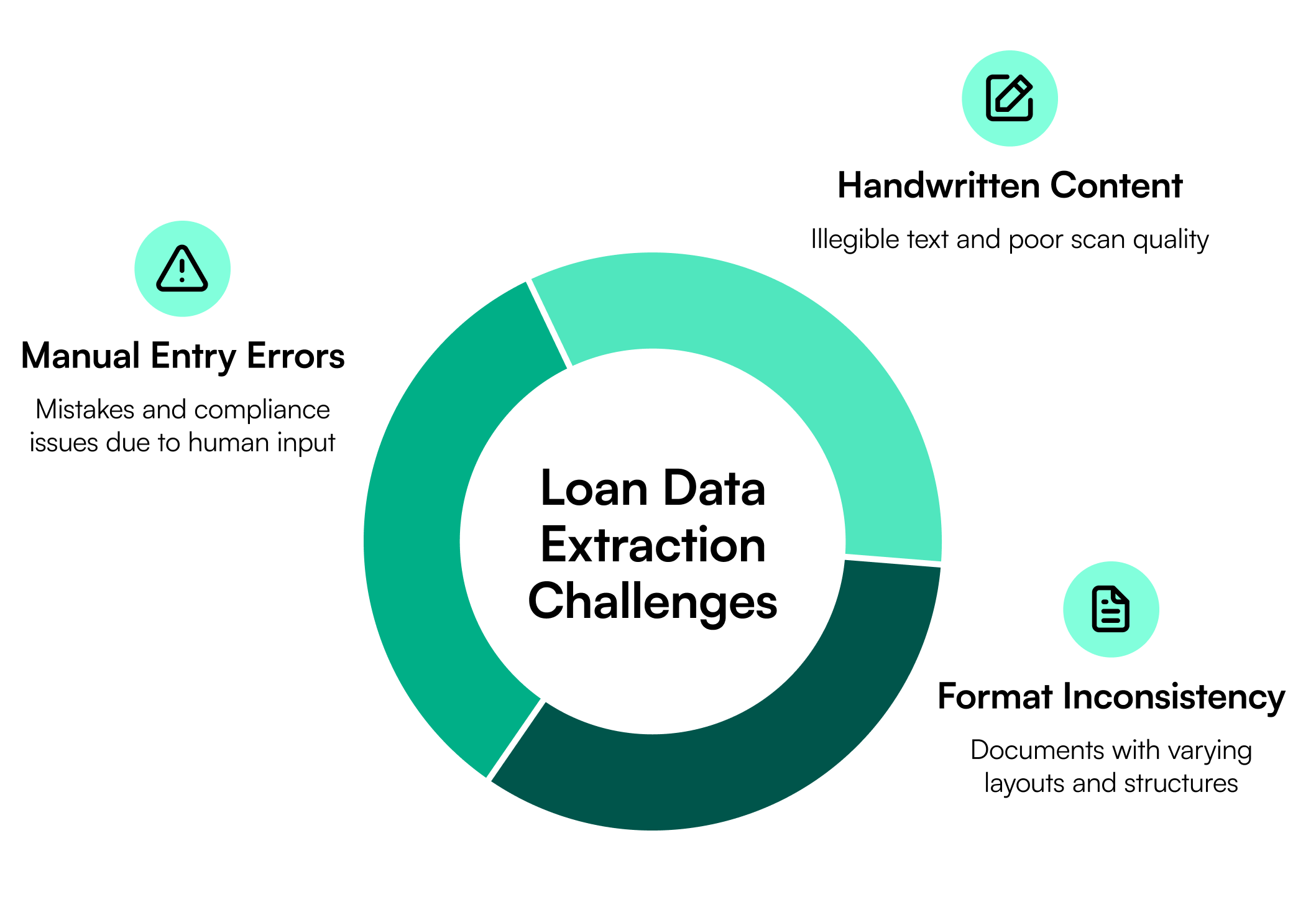
Format and Layout Inconsistency Across Lenders and Document Sources
The same field can appear in different positions, labels, tables, or page sequences. One pay stub may place year-to-date income beside current earnings, while another separates it across several sections.
Fixed templates can fail when a provider changes its layout. Multi-page files also create classification problems when several document types appear in one PDF. The system must first determine where each document begins and ends before it can extract the correct fields.
Handwritten Content and Poor-Quality Scans
Handwritten notes, signatures, faint printing, skewed pages, shadows, stamps, and low-resolution scans reduce text recognition quality. Characters such as 1, 7, 0, O, and 8 can be confused.
Image correction can improve readability, but uncertain fields may still require confidence scoring and human review. Document quality, page selection, OCR engine choice, and extraction design each affect field-level accuracy; a blurry scan or misaligned page can lower accuracy even when the extraction model itself is strong.
Manual Entry Errors and Compliance Risk
Manual keying introduces skipped fields, transposed digits, inconsistent formats, and values copied from the wrong page or borrower. These errors can affect income calculations, liabilities, disclosures, and loan decisions.
They also weaken audit trails if a reviewer cannot trace a system value back to its source document. Fannie Mae describes loan quality controls as part of the lender’s wider control environment because quality risk can create financial effects and affect borrower sustainability.
Methods and Technologies Used to Extract Data From Loan Documents
No single extraction method fits every loan file. The right choice depends on document quality, layout variation, field types, table structure, volume, and the level of validation required. Lenders often combine OCR, machine learning, document classification, rules, confidence scores, and human review.
OCR (Optical Character Recognition)
OCR converts printed or scanned text into machine-readable characters. It works well for clean forms, typed applications, standard disclosures, and high-quality scans where the main goal is text capture.
Traditional OCR can read words and numbers, but it may not understand what each value means or where it belongs. For example, OCR may identify several income figures on a pay stub without knowing which value represents current gross pay or year-to-date income.
AI and Machine Learning for Template-Free Extraction
AI and machine learning models use text, position, visual patterns, and document context to identify fields without relying on one fixed layout. This approach suits pay stubs, bank statements, tax documents, credit reports, and applications that vary by source.
The models can also classify pages, identify tables, connect field labels with values, and recognize repeated sections. Template-free extraction is useful when lenders receive documents from many banks, employers, payroll providers, brokers, and borrowers.
Intelligent Document Processing (IDP)
Intelligent document processing combines OCR with document classification, AI-based extraction, validation rules, confidence scoring, exception routing, and system integration. It suits mixed loan packages that contain several document types and require structured output for underwriting, quality control, or compliance.
Traditional OCR mainly converts an image into text. IDP goes further by identifying document types, assigning field meaning, checking relationships, and sending low-confidence values for review.
How Automated Data Extraction Improves Loan Processing
Automated extraction improves the steps that follow document collection. It gives processors, underwriters, auditors, and compliance teams structured information sooner while reducing repeated handling of the same file.
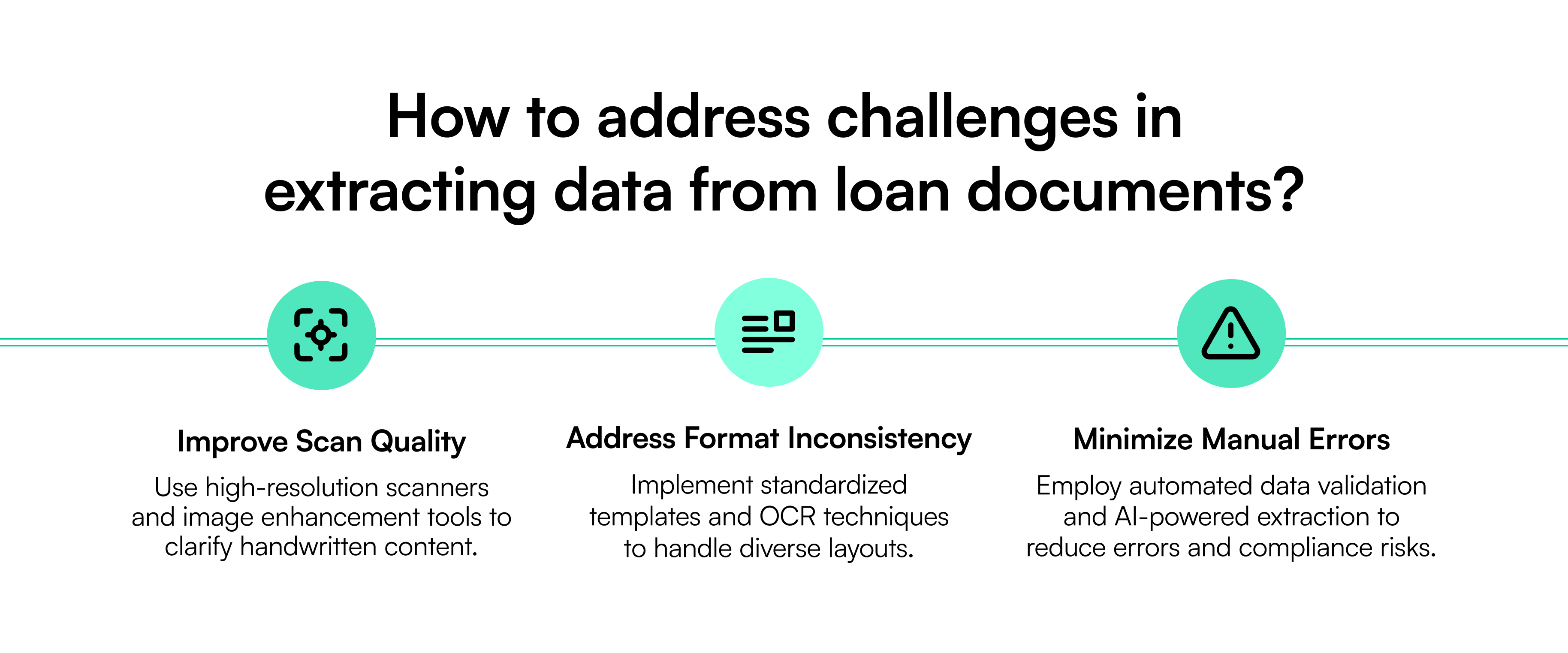
Faster Loan Approval and Underwriting: Systems can classify documents, capture fields, and deliver data for review soon after upload. Underwriters spend less time searching pages and typing values. The broader impact of digitization can be significant: Freddie Mac's report analysis found that lenders making greater use of its digital underwriting capabilities shortened loan production timelines by an average of five days.
Reduced Manual Errors and Compliance Risk: Automated validation can compare fields across applications, income records, asset documents, disclosures, and delivered loan data. Confidence scores and review queues help staff focus on uncertain values instead of checking every field manually. Freddie Mac found that lenders extensively using its digital capabilities experienced 40% fewer loan defects than lenders with low usage. This matters because Fannie Mae's latest QC findings continue to identify issues such as income misrepresentation, incorrect income calculations, undisclosed liabilities, missing debt documentation, and insufficient assets among significant loan defects.
Cost Savings and Scalability: Lenders can process higher document volumes without increasing data-entry work at the same rate. Automation also reduces rework caused by missing, inconsistent, or incorrectly entered information. Freddie Mac's report shows cost-to-originate analysis found that lenders maximizing their digital capabilities saved about $1,700 per loan. Teams can then direct skilled staff toward exceptions, judgment, and borrower communication.
How Infrrd Automates Data Extraction From Loan Documents
Infrrd uses AI-based document processing to split loan packages, classify pages, extract fields, validate information, and prepare structured data for mortgage workflows. Its mortgage solution captures borrower income, assets, liabilities, and key fields from documents such as 1003s, verification forms, pay stubs, and bank statements.
Template-Free, AI-Powered Extraction for Any Loan Document Format: Infrrd applies template-free extraction to documents from different lenders, banks, employers, payroll providers, and document sources. The system uses document context instead of depending only on fixed coordinates. This supports changing layouts, multi-page records, tables, and mixed loan packages.
The platform can also split and organize large files before extraction. Field-level confidence scores help decide which values can pass through and which should enter a review queue. This structure reduces blanket manual review and keeps attention on exceptions.
Compliance-Ready Extraction for Mortgage and Lending Workflows: Extracted data can support origination, underwriting, pre-funding review, post-close quality control, and investor delivery. Infrrd’s mortgage workflow includes document normalization, data extraction, disclosure comparisons, compliance validations, version control, and audit trails.
The result is traceable data that loan teams can review, verify, and send into connected lending systems.
Conclusion
Automation started with repetitive work, and loan document data entry is a clear fit for that shift. Yet extraction is more than copying text from a page. Lenders must identify the document, capture the correct field, preserve its context, validate the value, and maintain a clear source trail.
OCR can support clean, predictable files. AI handles layout variation and document context. IDP connects classification, extraction, validation, review, and workflow delivery. The right approach depends on file quality, document range, compliance needs, and volume. By automating extraction while routing uncertain cases to trained reviewers, lenders can reduce rekeying, shorten review cycles, improve data consistency, and give underwriting teams decision-ready information sooner.
Frequently Asked Questions
1. What data can be extracted from loan documents?
Systems can capture borrower details, income, assets, liabilities, credit data, property information, rates, fees, balances, dates, and closing figures from common loan records.
2. Which loan documents can be processed automatically?
Common documents include 1003 applications, pay stubs, W-2s, tax returns, bank statements, credit reports, appraisals, disclosures, purchase contracts, and verification forms.
3. How accurate is automated loan document extraction?
Accuracy depends on image quality, document variation, model training, validation rules, and field type. Strong systems use confidence scores and human review for uncertain values.
4. What is the difference between OCR and IDP?
OCR converts document images into text. IDP classifies documents, identifies fields, validates values, routes exceptions, and sends structured data into lending workflows.
5. Can automation extract data from handwritten loan documents?
It can read some handwriting, but results vary by writing quality, scan clarity, field type, and model capability. Low-confidence fields should receive human review.
6. Can data extraction handle multi-page loan packages?
Yes. IDP systems can split combined files, classify pages, group related documents, extract fields, and retain links between each value and its source page.
7. How does extraction software support mortgage compliance?
It can compare values across documents, apply validation rules, flag missing or inconsistent information, preserve audit trails, and route exceptions to qualified reviewers.
8. Does automated extraction replace loan processors or underwriters?
No. It reduces document sorting, searching, and data entry. Loan professionals still handle exceptions, risk judgment, policy interpretation, borrower communication, and final decisions.
9. Can extracted data integrate with a loan origination system?
Yes. Many platforms send structured data through APIs, files, or connectors into loan origination, underwriting, quality control, audit, and document management systems.
10. How should lenders choose a loan document extraction tool?
Review document coverage, field accuracy, layout flexibility, validation, audit trails, security, integrations, exception handling, deployment needs, and performance on real loan files.