- Compliance document automation reduces repetitive review while preserving traceability, reviewer control, and accountability across workflows.
- Configurable rules, confidence scores, and source-linked evidence help teams detect compliance issues before audits begin.
- Mortgage teams can automate QC checks while routing low-confidence fields and exceptions to human reviewers.
Your compliance officer reaches out with a problem. A few records in the latest review are flagged: an HMDA field is missing, an AML alert was closed without the right supporting documentation, and a KYC file does not clearly show which document was used to verify a customer’s address.
None of these issues looks major on its own. But in a regulated environment, small documentation gaps can quickly become audit findings, regulatory penalties, or delays in closing. More importantly, compliance teams need to be able to trace every reported value and decision back to the document that supports it.
That is where compliance document automation is changing the process.
Instead of simply scanning and storing files, modern platforms can classify incoming documents, extract required information, validate it against defined compliance rules, and maintain a clear record of where each value came from. The goal is not to replace compliance teams. It is to reduce the repetitive work of manually finding, comparing, and verifying information across hundreds or thousands of documents.
The impact can be significant. Reports show that AI/ML has reduced the duration of the compliance process by 80%.
This guide explains how compliance document automation works, where it applies, and what to evaluate before choosing a platform.
What Is Compliance Document Automation?
Compliance document automation uses software to read regulated documents, capture required data, validate fields, detect missing information, and preserve review evidence. It turns PDFs, scans, forms, emails, and supporting records into structured data that compliance teams can check and use.
Automation is needed because it can:
- Reduce repeated data entry and document comparison.
- Apply approved rules across every qualifying file.
- Route low-confidence fields and policy exceptions to reviewers.
- Create a searchable record of source documents, changes, decisions, and approvals.
The software supports compliance work. It does not replace legal interpretation, policy ownership, or final accountability.
Why Compliance Document Automation Matters for Regulated Industries
Regulated teams must process documents while proving that required data, disclosures, checks, and decisions were handled correctly. The following risks show why document-level control matters.
The Cost of Manual Compliance Documentation
Manual review creates cost through labor, rework, delayed approvals, and inconsistent checks. Consider a hypothetical team that reviews 3,000 files each month at 12 minutes per file. That equals 600 hours monthly. At a loaded labor cost of $45 per hour, the annual review cost reaches $324,000 before remediation, quality checks, or audit preparation.
The larger risk is inaccurate reporting. In 2024, the CFPB required Freedom Mortgage to pay a $3.95 million civil penalty after alleging widespread errors across multiple HMDA data fields and requiring regular audits, tests, and corrections.
Regulatory Pressure Across KYC, AML, TRID, and HMDA
KYC and AML programs require institutions to identify customers, verify information, apply risk-based procedures, monitor activity, and report suspicious transactions. FinCEN’s February 2026 relief removed repeated beneficial-owner verification at every new account opening, but institutions still must verify at the first account, when information becomes unreliable, or when risk-based procedures require an update.
TRID requires accurate Loan Estimates and Closing Disclosures, with the Closing Disclosure generally delivered at least three business days before closing. HMDA requires covered institutions to collect, report, and disclose mortgage lending data under Regulation C.
Automation helps teams check required fields, dates, document versions, cross-document values, and reporting completeness before an issue reaches an examiner or customer.
How Compliance Document Automation Works
Compliance document automation follows a sequence that turns files into review-ready evidence.
Document ingestion and classification: The system accepts PDFs, images, scans, emails, and files. It identifies document types, splits packages, and assigns files to the right case.
Data extraction and field validation: OCR and document AI capture names, dates, amounts, identifiers, and clauses. Validation rules compare values with source text, reference data, and documents.
Completeness checks and compliance gap detection: The platform checks whether required documents, signatures, fields, disclosures, and supporting records are present. It flags missing items, mismatches, expired records, and policy exceptions.
Audit trail creation and version control: Each extracted value stays linked to its source. The system records document versions, reviewer changes, validation decisions, timestamps, and approvals.
Low-confidence results and rule failures then move to a human reviewer. Approved data can flow into KYC, loan, insurance, reporting, or audit systems through APIs and connectors.
Compliance Document Automation Use Cases
These use cases share one requirement: the system must show the evidence behind each result so a reviewer can confirm, correct, or reject it.
Key Features to Look for in Compliance Document Automation Software
The right software should do more than extract data from compliance documents. It should help teams reduce review costs, identify risks early, apply approved rules consistently, and produce evidence that auditors can verify.
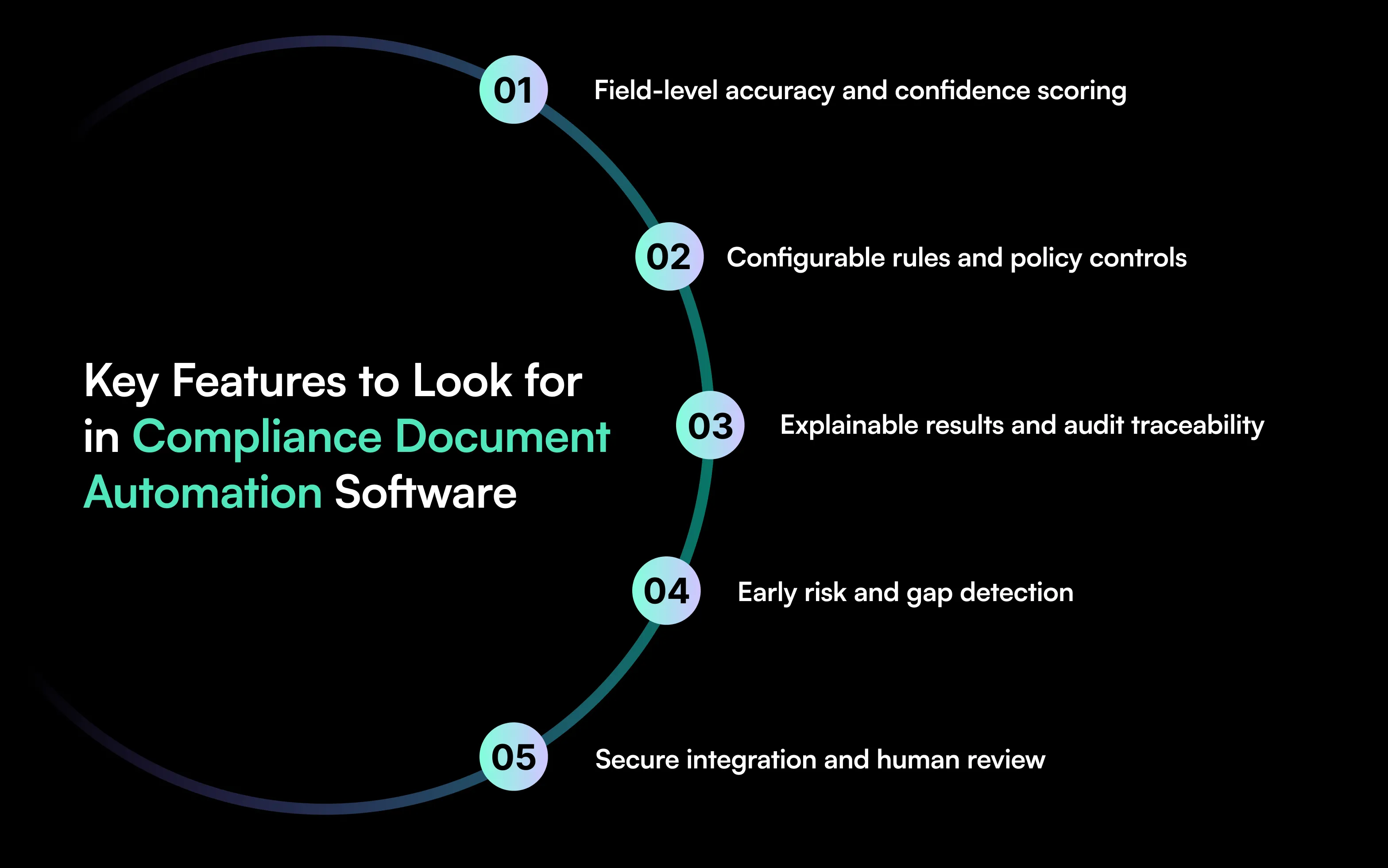
- Field-level accuracy and confidence scoring: The platform should score values, not hide uncertainty behind one document score. Low-confidence fields should move to review.
- Configurable rules and policy controls: Teams need to apply regulatory rules, internal policies, thresholds, document requirements, and jurisdiction-specific checks without rebuilding the system.
- Explainable results and audit traceability: Every value, warning, and decision should link to source evidence. The platform should record versions, corrections, reviewer actions, and timestamps.
- Early risk and gap detection: Software should flag missing documents, mismatched values, expired records, disclosure timing issues, and policy exceptions before submission, closing, or examination.
- Secure integration and human review: Look for access controls, encryption, retention settings, APIs, case routing, and reviewer queues. These capabilities reduce repeated work while keeping decisions with authorized staff.
A useful evaluation should measure labor savings, error reduction, review time, exception rates, and audit preparation effort.
How Infrrd Automates Compliance Documentation
Infrrd helps regulated teams turn document-heavy compliance checks into structured, traceable workflows. For mortgage lenders in particular, its dedicated QC capabilities support pre-funding and post-close reviews by classifying loan files, extracting required data, comparing values across documents, and flagging missing information or exceptions.
Teams can configure custom validation rules around internal policies and lending requirements, allowing the system to check documents against the specific criteria relevant to each review. Field-level confidence scores indicate how reliable each extracted value is, while lower-confidence fields and exceptions can be routed to human reviewers.
Infrrd has achieved 95%+ accuracy for mortgage document processing, helping reduce repetitive manual verification while keeping reviewers in control of final decisions. Audit trails and source-linked evidence also make it easier to trace findings back to the original document.
Together, these capabilities help mortgage teams run more consistent QC checks, maintain review accountability, and support compliance without relying entirely on manual document comparison.
Conclusion
Compliance document automation helps regulated teams process more files at scale without treating speed as a substitute for control. It classifies documents, extracts required data, checks rules, identifies gaps, and preserves evidence for reviewers and auditors. These steps make results easier to verify and exceptions easier to manage.
Organizations that apply this approach can reduce repeated review, catch issues earlier, respond to audits faster, and build more consistent compliance records. Infrrd supports that goal by providing traceable document data, field-level validation, security controls, and human review paths. The result is greater confidence in the information that regulated processes depend on.
Frequently Asked Questions
What documents can compliance document automation process?
It can process identity records, bank statements, tax forms, disclosures, loan files, policies, certificates, audit evidence, reports, emails, and supporting attachments.
Is compliance document automation the same as workflow automation?
No. Document automation reads, validates, and prepares evidence from files. Workflow automation routes tasks, approvals, notifications, and actions across business systems.
Can compliance software guarantee regulatory compliance?
No software can guarantee compliance alone. It can apply approved rules, surface gaps, preserve evidence, and support reviewers who retain policy and legal accountability.
How does the software verify extracted data?
It compares extracted values with source text, validation rules, reference data, related documents, confidence thresholds, and reviewer corrections before approved data moves downstream.
Does automation replace compliance analysts?
It reduces repetitive checking and data entry. Analysts still handle exceptions, interpret policy, assess risk, approve outcomes, and respond to regulators or auditors.
How does automation support KYC and AML reviews?
It captures customer data, checks required documents, compares identifiers, detects missing information, and routes higher-risk or inconsistent cases for enhanced due diligence.
What is an audit trail in document automation?
An audit trail records source files, extracted values, rule results, document versions, user actions, corrections, timestamps, approvals, and final decisions for later review.
Can compliance document automation adapt to rule changes?
Yes, when the platform offers configurable rules, versioned policies, controlled testing, and approval processes. Legal and compliance teams must still validate each change.
Is cloud-based compliance document automation secure?
Security depends on the provider. Buyers should review encryption, access controls, data location, retention, incident response, independent attestations, audit logs, and contractual safeguards.
How should organizations measure automation ROI?
Track review hours, cost per file, error rates, exception rates, processing time, audit preparation effort, remediation cost, and the percentage of files requiring human review.