- Banking financial document automation reduces manual processing, improves data accuracy, and accelerates critical banking workflows.
- Banking leaders should prioritize extraction accuracy, security, audit trails, and measurable ROI when evaluating platforms.
- Successful automation starts with focused pilots, clear performance benchmarks, and gradual expansion across banking operations.
Artificial intelligence is changing how banks process information, assess risks, and make decisions. According to the Bank of England's survey, 55% of AI use cases in UK financial services involve some degree of automated decision-making. This shows how AI is becoming part of everyday financial operations.
With growing transaction volumes, banking financial document automation is becoming increasingly important. The Federal Reserve reports that the United States processed 9.2 billion check payments. Even as check usage declines, this figure highlights the scale of banking operations and the need for efficient document processing.
For banking leaders, adopting AI is just the beginning. The real opportunity lies in reducing manual work, improving data accuracy, and maintaining control over financial records.
This guide explores banking financial document automation, its applications, operational challenges, platform evaluation criteria, and practical dos and don'ts for successful implementation.
What Is Banking Financial Document Automation?
Banking financial document automation uses artificial intelligence, machine learning, and document processing software to capture, classify, extract, and validate information from financial documents. It replaces repetitive manual tasks across lending, customer onboarding, compliance, and reporting while helping banks process documents faster and maintain accurate financial records.
Document Processing vs. Document Generation: What Do Banks Really Need?
Document processing extracts and validates information from existing files, such as loan applications, bank statements, and identity records. Document generation creates new files, such as loan agreements, approval letters, and compliance reports.
Banks need both, but they solve different problems. Processing prepares data for operational decisions, while generation produces documents using approved information and templates. Banking financial document automation can connect these functions into one workflow.
Which Banking Documents Can Be Automated?
Banks handle documents across lending, customer verification, compliance, and financial reporting. Automation reduces manual data entry and supports faster document review.
These applications help banks process financial information consistently while keeping reviewers involved in critical decisions.
Where Manual Document Handling Fails Banks
Manual document processing creates delays, increases operational costs, and makes errors harder to detect. These problems become more serious as banks handle larger document volumes across multiple departments and channels.
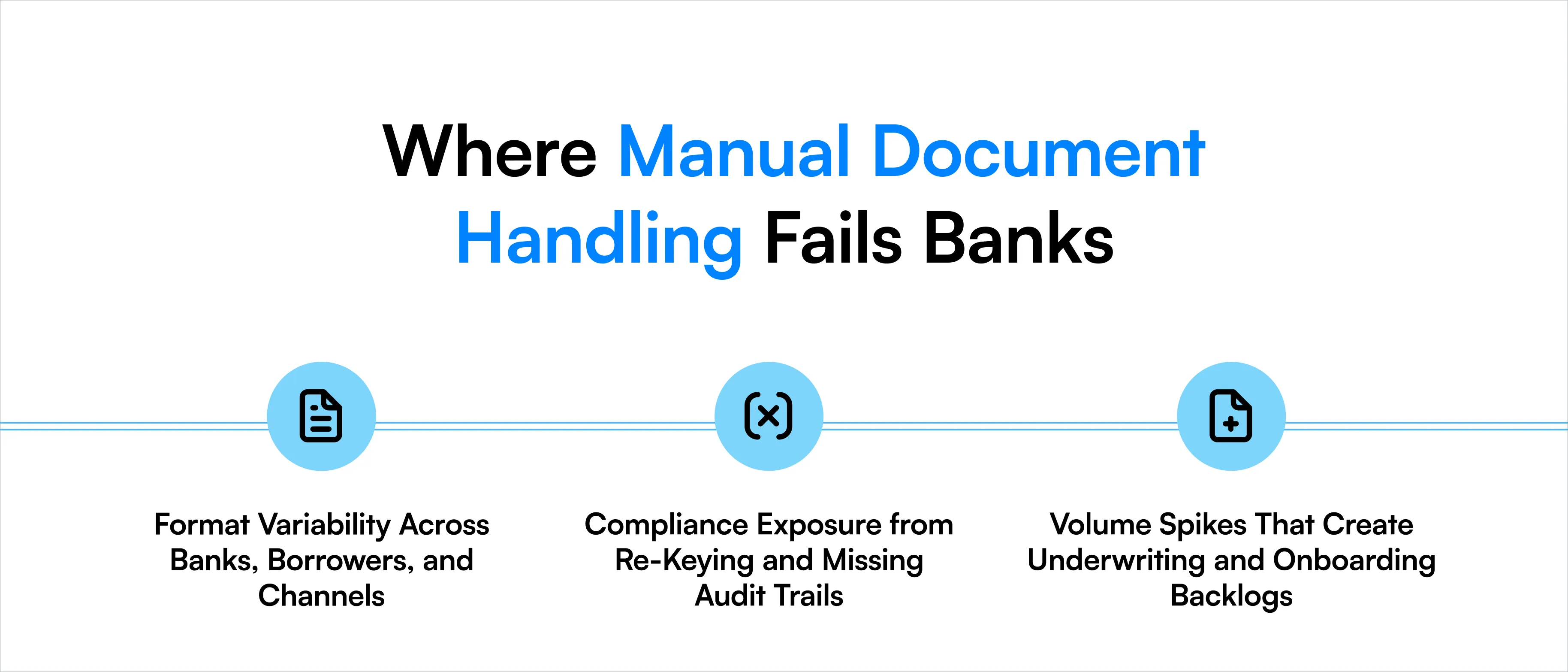
Format Variability Across Banks, Borrowers, and Channels
Financial documents arrive as PDFs, scanned images, spreadsheets, and digital forms; every document serving the same purpose may have different layouts. Manual teams must identify fields, interpret formats, and enter information separately. This slows processing and increases the risk of inconsistent data.
Compliance Exposure from Re-Keying and Missing Audit Trails
Repeated data entry creates opportunities for incorrect amounts, missing fields, and mismatched records. Without reliable audit trails, banks may struggle to identify who changed a value or why. This makes regulatory reviews and internal investigations harder.
Volume Spikes That Create Underwriting and Onboarding Backlogs
Loan demand, seasonal activity, and regulatory deadlines can increase document volumes without warning. Manual workflows depend heavily on available staff. When volumes rise, processing times increase, applications remain pending, and customer onboarding slows down.
How Intelligent Document Processing Automates Banking Workflows
Intelligent document processing (IDP) converts financial documents into validated, structured data. It combines document recognition, AI extraction, business rules, and system integration to automate tasks across banking workflows.
Ingestion and Document Classification
Documents enter the system through email, uploads, APIs, or connected banking applications. IDP identifies each document type and sorts files into the correct processing workflow. For example, it can separate bank statements, pay slips, and tax returns from a single loan package.
Data Extraction from Structured, Semi-Structured, and Unstructured Documents
AI extracts required information from documents with fixed layouts, varying formats, or free-form text. It can capture account numbers, income figures, transaction details, and financial tables without requiring staff to enter every field manually.
Validation, Cross-Document Checks, and Exception Routing
The system checks extracted values against business rules, source documents, and available system data. For example, automation can flag an income mismatch between a pay slip and a loan application. Reviewers investigate exceptions while approved data continues through the workflow.
Integration with Core Banking, LOS, and CRM Systems
Validated information moves into core banking platforms, loan origination systems (LOS), and customer relationship management (CRM) applications. APIs and system connectors reduce duplicate entry, speed decisions, and maintain data consistency across banking applications.
How to Evaluate a Banking Document Automation Platform
Selecting banking financial document automation software requires more than comparing features. Leaders should evaluate accuracy, security, processing costs, and operational performance using real documents and measurable business outcomes.
Template-Free Extraction vs. Template-Based OCR
Do: Choose extraction technology that handles varying document layouts without constant template updates.
Don't: Assume traditional optical character recognition (OCR) can interpret every financial document accurately. OCR reads text, but additional technology may be needed to understand its meaning.
Accuracy Guarantees and Human-in-the-Loop Review
Do: Ask vendors to define accuracy at the field level and demonstrate how reviewers correct errors.
Don't: Accept a single accuracy percentage without understanding the documents, fields, and testing methods behind it.
Security, Data Governance, and Model Explainability
Do: Evaluate encryption, access controls, data retention, redaction, and audit logs. Verify whether extracted values can be traced to their source.
Don't: Send sensitive financial documents into systems without reviewing data handling policies and regulatory requirements.
Pricing Models: Per-Page vs. Performance-Based
Do: Compare per-page pricing with outcome-based or performance-based contracts where available.
Don't: Ignore implementation costs, exception handling, minimum commitments, and charges for document reprocessing.
Beyond platform capabilities, banking leaders should also assess measurable performance indicators. These three metrics help determine whether automation delivers real operational value.
Processing Time and Cost per File
What to look for: The average time and total cost required to process one financial document, from ingestion to final approval.
Measure the complete processing cycle, including extraction, validation, and human review. Compare these figures against manual processing costs to identify actual savings.
Extraction Accuracy and Straight-Through Processing Rate
What to look for: Field-level extraction accuracy and the percentage of documents processed without manual intervention.
High extraction accuracy alone does not guarantee efficiency. Track how often documents require corrections or human review to measure the actual reduction in manual work.
Audit Readiness and Error Reduction
What to look for: Traceable data sources, recorded corrections, complete audit trails, and measurable reductions in processing errors.
Evaluate whether the platform records how information was extracted, validated, and modified. These capabilities help banks maintain regulatory oversight without slowing document processing.
How to Implement Banking Document Automation
Successful banking financial document automation starts with a defined business problem and measurable targets. A phased implementation helps banks test performance, address risks, and expand automation without disrupting existing operations.
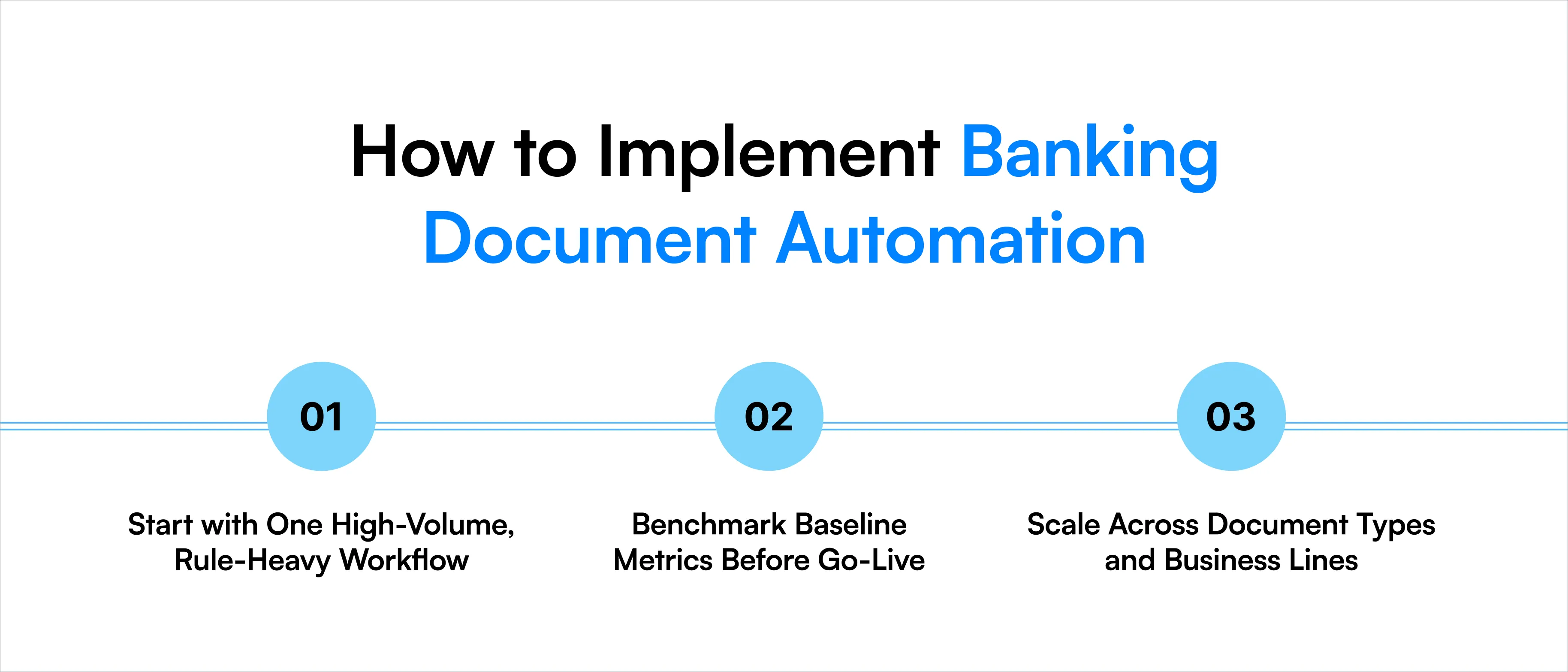
Start with One High-Volume, Rule-Heavy Workflow
Choose a process with repetitive tasks, high document volumes, and clear validation rules. Loan document classification, income verification, and KYC document extraction are practical starting points. Avoid automating several departments simultaneously. A focused pilot makes it easier to identify errors and measure improvements.
Benchmark Baseline Metrics Before Go-Live
Measure current processing time, cost per document, error rates, and manual review effort. Use these figures to compare automated performance against existing workflows. Test the platform with real document variations, including poor-quality scans, missing pages, and unusual formats.
Scale Across Document Types and Business Lines
Expand automation after the pilot meets agreed performance targets. Add new document types, connect additional banking systems, and refine exception-handling rules. Continue tracking accuracy, processing costs, and review rates as volumes increase.
How Infrrd Helps With Banking Financial Document Automation
Infrrd provides AI-powered intelligent document processing solutions that help financial institutions automate document classification, data extraction, validation, and review. Its platform supports financial documents across different formats, including bank statements, invoices, loan records, and financial reports. The technology delivers:
- 8x faster financial document processing
- 90%+ reduction in error rates
- 80% reduction in processing time
Infrrd also provides document redaction to protect sensitive information and built-in audit trails that connect extracted values to their sources.
Its validation capabilities flag missing information, mismatched amounts, and suspicious records for human review. Human corrections and ongoing model improvements can help refine extraction performance over time.
By connecting document processing with downstream banking workflows, Infrrd helps teams reduce repetitive work while maintaining visibility into the information used for financial decisions.
Conclusion
Banking financial document automation is becoming an important part of efficient financial operations. It helps institutions manage document volumes, reduce manual errors, and process information faster. However, successful implementation requires more than purchasing AI software. Leaders must evaluate extraction accuracy, security, audit capabilities, integration requirements, and actual processing costs.
The right approach starts with one measurable workflow, keeps human reviewers involved in critical decisions, and expands based on proven results.
For banks, the goal is clear: reduce repetitive document work while improving the accuracy, reliability, and traceability of financial information throughout its lifecycle.
FAQs
1. What is banking financial document automation?
It uses AI and document processing software to extract, classify, validate, and manage financial information with less manual effort.
2. How does AI improve banking document processing?
AI identifies documents, extracts relevant information, checks values, and flags exceptions, helping banks process financial records faster and more accurately.
3. Which banking processes benefit most from document automation?
Loan origination, income verification, KYC onboarding, commercial lending, quality control, and regulatory reporting are common applications.
4. What is the difference between OCR and intelligent document processing?
OCR converts document images into text. IDP adds classification, data extraction, validation, and automated routing to support complete document workflows.
5. Can banking document automation reduce compliance risks?
Yes. Validation checks, audit trails, and controlled access can reduce manual errors and improve traceability, provided appropriate oversight remains in place.
6. How should banks measure document automation ROI?
Banks should compare processing costs, turnaround times, error rates, manual review hours, and implementation expenses before and after automation.
7. Can AI process handwritten or scanned banking documents?
Yes, capable IDP platforms can process scanned and some handwritten documents, although accuracy depends on image quality and handwriting clarity.
8. Does banking document automation eliminate human review?
No. Banks should retain human oversight for low-confidence data, flagged exceptions, high-risk cases, and decisions requiring professional judgment.
9. How long does banking document automation implementation take?
Implementation depends on document types, integration requirements, security reviews, and workflow scope. Focused pilots generally require less effort than enterprise-wide deployments.
10. What should banking leaders look for in an automation provider?
Prioritize field-level accuracy, document coverage, security, system integrations, audit trails, clear pricing, and demonstrated performance on real banking documents.