- Manual data entry still runs a large share of business operations in 2026
- Data entry software refers to tools that capture, process, and store data from documents or inputs into structured systems.
- By adopting AI-driven systems, organizations can transform their data operations from a manual burden into a high-speed, audit-ready asset.
Manual data entry still runs a large share of business operations in 2026. Teams across finance, insurance, mortgage, and operations rely on it to move data from documents into systems. The process works, but it consumes time and creates risk at scale.
More than 40% of workers spend at least a quarter of their week on repetitive tasks like data entry and data collection. That is a major share of productive time lost to low-value work.
The impact becomes clearer at scale. Nearly 60% of workers say automation could save them more than six hours every week. That equals almost one full workday recovered.
These numbers explain why data entry software continues to evolve. Businesses want faster processing, higher accuracy, and better control over their data.
What Is Data Entry Software?
Data entry software refers to tools that capture, process, and store data from documents or inputs into structured systems. These tools range from simple spreadsheets to advanced AI systems that read and interpret documents.
At its core, data entry software replaces manual typing with structured workflows that move data from source to system.
Types of Data Entry Software
Manual data entry tools (spreadsheets, forms)
Manual data entry tools place the responsibility of input squarely on the human operator. While these tools are straightforward to use and widely accessible, they demand consistent manual effort for every record entered, making them time-intensive and prone to human error at scale.
OCR-based data capture software
Optical Character Recognition (OCR) tools improve on purely manual processes by converting scanned documents and images into machine-readable text. This significantly reduces the amount of typing required.
However, OCR tools have their limitations; they recognize characters but do not fully interpret document structure or context, which means users still need to review, validate, and correct outputs before the data can be trusted.
Intelligent document processing (IDP) platforms
Intelligent Document Processing platforms take data extraction a step further by understanding the structure and meaning of complex documents. Rather than simply reading characters, IDP systems recognize layouts, identify specific fields, and map relationships between data points, enabling more accurate, context-aware extraction with far less manual intervention and end-to-end workflow automation into a single pipeline.
They allow organizations to scale their data operations efficiently while maintaining a high standard of accuracy.
Challenges Of Data Entry Software
Despite its importance in modern business operations, data entry software comes with a distinct set of challenges that organizations must navigate carefully. These obstacles range from the limitations of human input to deeper structural and technical constraints that affect efficiency, accuracy, and scalability.
Human errors and data inconsistencies
Manual data entry is inherently vulnerable to human error. A seemingly minor mistake, such as a transposed number or a value entered into the wrong field, can have a significant ripple effect on downstream decisions and processes. What makes this particularly problematic is that errors tend to multiply as document volumes increase, turning small inaccuracies into systemic data quality issues that are difficult to trace and correct.
Time-consuming repetitive work
Data entry is a repetitive task. Teams often find themselves performing the same sequence of steps across dozens or hundreds of documents each day, leaving little room for higher-value work. This constant repetition not only slows down overall operations but also places a ceiling on team productivity, making it harder for organizations to scale without adding significant manual effort.
Poor handling of unstructured documents
A major limitation of many data entry tools is their inability to reliably process documents that do not follow a fixed or predictable format. Bank statements, invoices, and intake forms, for instance, vary considerably in layout and structure depending on their source. Basic tools lack the contextual awareness needed to extract consistent, accurate data from these variable formats, often resulting in incomplete or misaligned outputs.
Lack of cross-document validation
Accurate data processing frequently requires more than just reading a single document; it demands the ability to compare and verify information across multiple sources. A common example is confirming that the income figure stated on a pay stub aligns with what is reported on a tax form. Traditional data entry tools are generally not equipped to perform these cross-document checks, increasing the risk that inconsistencies go undetected until they cause larger problems.
Integration issues with existing systems
For data entry software to deliver real value, it must connect seamlessly with the broader technology ecosystem, which includes ERP platforms, CRM systems, and other business-critical applications.
When these integrations are weak or poorly implemented, the result is often a fragmented workflow that relies on manual workarounds, introduces unnecessary delays, and undermines the efficiency gains the software was meant to provide.
Scaling challenges with growing data volumes
As organizations grow, so does the volume of documents they need to process, and manual data entry simply cannot keep pace. While hiring additional staff may seem like a straightforward solution, it drives up operational costs without meaningfully improving efficiency or accuracy.
Without a more scalable approach, data entry bottlenecks tend to worsen over time, creating compounding pressure on teams and systems alike.
Why Companies Still Use Traditional Data Entry Software
Despite the clear limitations of manual data entry, many organizations continue to rely on traditional tools, and the reasons go beyond simple resistance to change.
Legacy Systems
When existing tools have been deeply embedded into workflows over many years, replacing them demands significant time, effort, and cost that many teams are not ready to commit to.
Investment
The upfront investment required for automation also gives organizations pause. Even when the long-term benefits are clear, the initial cost of implementing and integrating new platforms can be difficult to justify, particularly for businesses working within tight budgets.
High-Stake Decisions
In certain workflows, human judgment remains deliberately valued. For high-stakes decisions, many teams prefer manual validation as a safeguard, viewing it as a conscious choice rather than a limitation.
Awareness
Awareness plays a bigger role than is often acknowledged. Many businesses, especially those outside the technology sector, are simply unfamiliar with what modern data entry platforms are capable of. Without that visibility, there is little incentive to explore alternatives to the familiar manual process.
How To Automate Data Entry Software?
Automation is not about removing human oversight; it is about eliminating repetitive, low-value steps while maintaining strong control over data quality. A structured, step-by-step approach helps organizations transition smoothly without disrupting existing operations.
Step 1: Document intake and digitization
The process begins with collecting documents from various sources, such as emails, file uploads, or scanned submissions. Any physical documents are converted into digital formats at this stage, creating a consistent foundation for everything that follows.
Step 2: Data extraction using OCR and AI
Once documents are digitized, OCR technology reads and converts the text into machine-readable content. AI models then go a step further by identifying specific fields, understanding document structure, and extracting data in a clean, structured format ready for processing.
Step 3: Validation through rules and cross-checks
Extracted data is then run through a set of predefined business rules to verify its accuracy and completeness. Where necessary, values are compared across multiple documents to detect mismatches or inconsistencies before they move further down the workflow.
Step 4: Exception handling with human-in-the-loop
Not every document will pass validation automatically. Cases that fall outside expected parameters are flagged for human review, allowing team members to assess, correct, and approve data before it proceeds to final processing. This keeps humans in control where it matters most.
Step 5: Integration with ERP, CRM, LOS, and other systems
Once validated, data is pushed directly into core business systems such as ERP, CRM, or Loan Origination platforms (LOS). This ensures a seamless, uninterrupted flow from raw document to verified system record, with no manual re-entry required.
Taken together, these steps allow organizations to significantly reduce manual effort while preserving the accuracy and oversight that critical workflows demand.
Best Data Automation Software In 2026
1. Infrrd
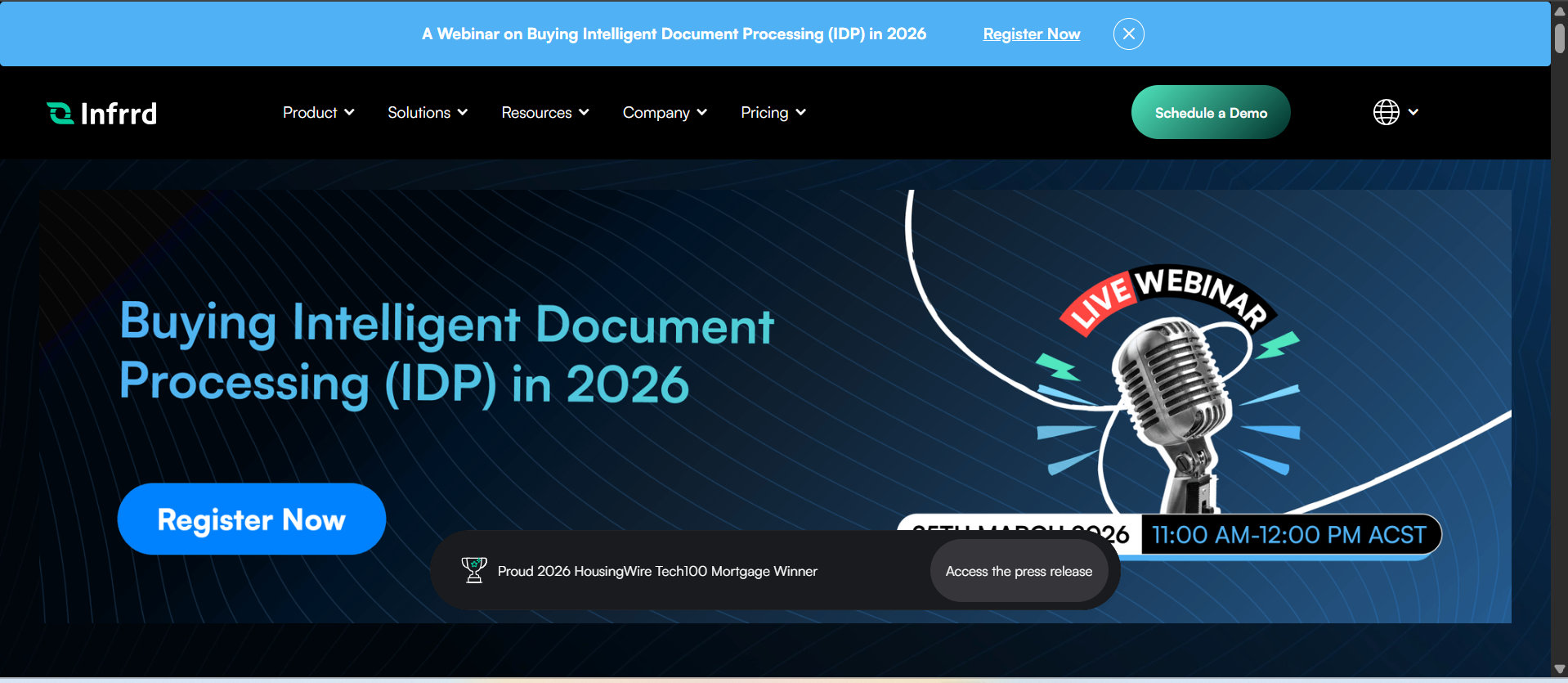
Infrrd offers a state-of-the-art Intelligent Document Processing (IDP) platform that leverages AI to automate the extraction and processing of data from complex documents across industries. Infrrd’s no-touch automation and agentic AI capabilities allow for seamless document workflows without the need for human intervention, enabling businesses to save time and improve data accuracy.
Features
- No‑Touch Processing (NTP) for automated end‑to‑end document workflows with minimal human checks
- AI‑driven contextual understanding — recognizes content and why it matters
- Template‑free machine learning approach — better adapts to new layouts than simple OCR
- Multi‑page and complex‑structure handling across diverse domains
- Cross‑system integrations (LOS, CRM, ERP)
- High accuracy with continuous learning
- Feedback loops for model improvement
- Scales from departmental to enterprise workloads
- Support for varied industries (insurance, mortgage, engineering)
- Custom model creation & responsive support
Pros
- Leader in straight‑through document automation: minimal manual intervention
- Contextual AI gives richer extraction than basic OCR
- Template‑free adaptability handles varied docs at scale
- Great for regulated industries with complex paperwork
- Users praise the interface and extraction accuracy
Cons
- Best suited for mid-to-large lenders
- Custom onboarding required for full capabilities
Pricing
Infrrd offers customized pricing based on enterprise requirements, including volume, industry use case, and integration complexity. Basic subscription plans start at approximately $2,000 per month, with enterprise plans adjusted to the specific needs of clients. Infrrd's pricing is typically tailored to large-scale deployments.
2. UiPath

UiPath is a leading Robotic Process Automation (RPA) platform that helps organizations automate repetitive business processes through software bots. It provides a comprehensive solution for automating workflows, including document understanding and AI-driven task execution, integrating seamlessly with systems like ERP, CRM, and more.
Features
- Drag‑and‑drop workflow designer for RPA and process automation
- Central Orchestrator for enterprise‑wide bots and scheduling
- Document Understanding (AI + RPA combination for IDP)
- AI/ML-assisted extraction and active learning
- Multi‑platform integration (ERP, CRM, web apps)
- UiPath Apps — low‑code UI builder for automation front‑ends
- Automation analytics and logging dashboards
- Scalable attended & unattended bots
- Object‑level automation logic (logical control layer)
- Support for complex business rules & exception handling
Pros
- Strong enterprise pedigree: Widely adopted by large organizations with governance controls
- Broad RPA ecosystem: Mature marketplace, community, and documentation
- High accuracy with AI and ML: Users report strong document handling with active learning
- Low‑code tools: Drag‑and‑drop builders reduce developer burden
- Versatile automation scope: From desktop tasks to full enterprise workflows
Cons
- Complex setup and learning curve: Users note onboarding isn’t trivial
- Costly licensing: Pricing can be high, especially for smaller teams
- Training overhead: Needs significant training for complex documents
- Sometimes requires manual review: Not always straight‑through automation for edge cases
- Occasional limitations with varied datasets: Small sets or highly irregular layouts may be tricky
Pricing
UiPath’s pricing is tiered based on use case and deployment scale, with the community edition being free for small-scale use. For enterprise editions, pricing starts at approximately $400 per month for a basic robot and can scale up depending on the number of robots and additional services required. Custom pricing is available for larger organizations.
3. Docsumo
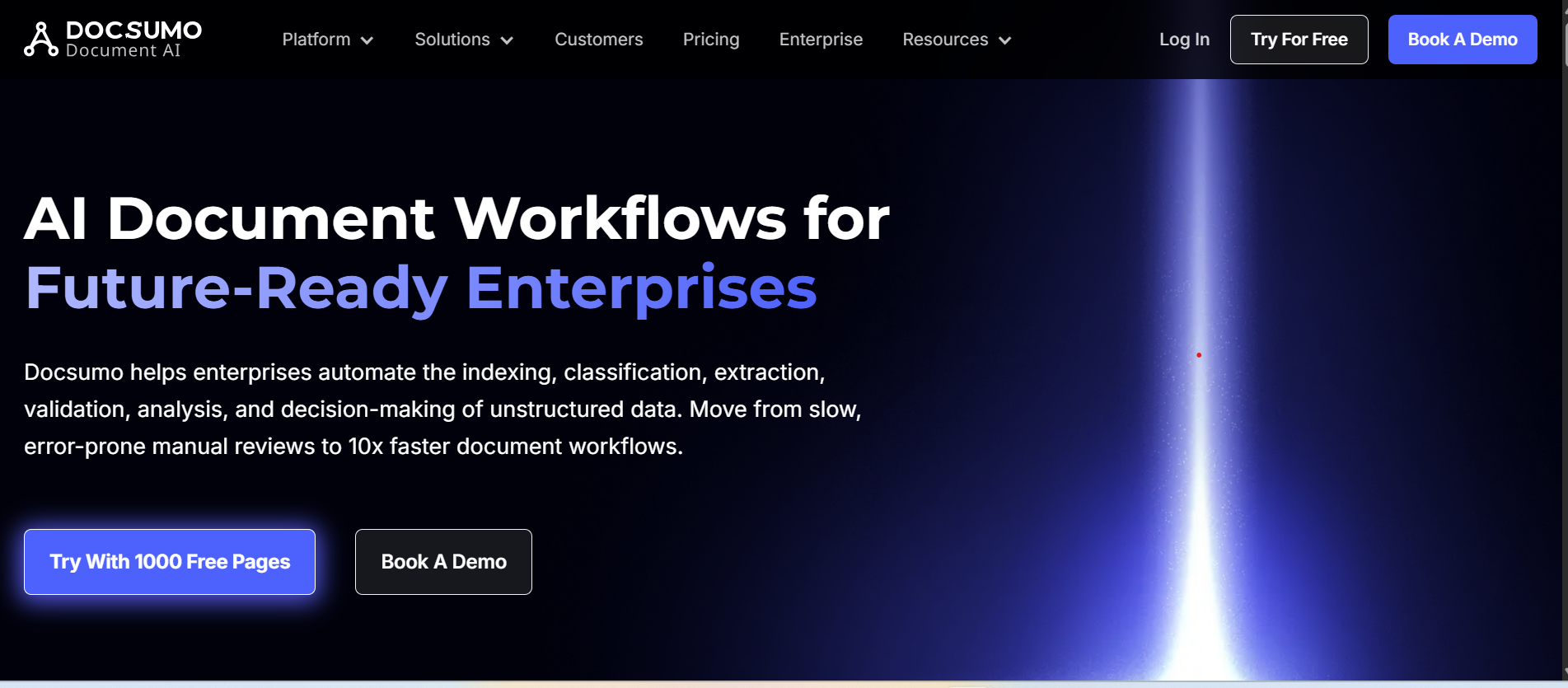
Docsumo is a document automation platform designed to extract data from various documents like invoices, receipts, and contracts. Its machine learning and AI-powered tools allow businesses to automate document understanding and streamline workflows without the need for extensive coding or manual input.
Features
- Visual workflow builder (low‑code)
- Automated, instant, and scheduled flows
- Integration with Microsoft 365, Dynamics, Azure, etc
- Hundreds of connectors to apps and services
- Conditional logic & branching
- Approval workflow templates for documents
- AI builder & process mining add‑ons
- Desktop & cloud flows for hybrid automation
- Integration with Power BI for analytics triggers
- API access for custom automation endpoints
Pros
- Seamless Microsoft ecosystem fit: Works with Teams, SharePoint, Outlook, and Excel
- Low‑code and friendly: Accessible for business users
- Robust connectivity: Extensive connectors to third‑party apps
- Strong documentation & community
- Flexible pricing & free trial options
Cons
- Limited for complex IDP: Works best for workflows, not deep document AI
- Learning curve with advanced logic
- Licensing costs can add up for premium connectors
- Action limits can constrain large flows
- Not always intuitive outside the MS ecosystem
Pricing
Docsumo offers a pay-as-you-go model, with pricing starting at $49 per month for small teams. More advanced plans, including enterprise solutions, can range between $199 and $799 per month, based on the document volume and processing needs. Custom enterprise pricing is available.
4. Microsoft Power Automate
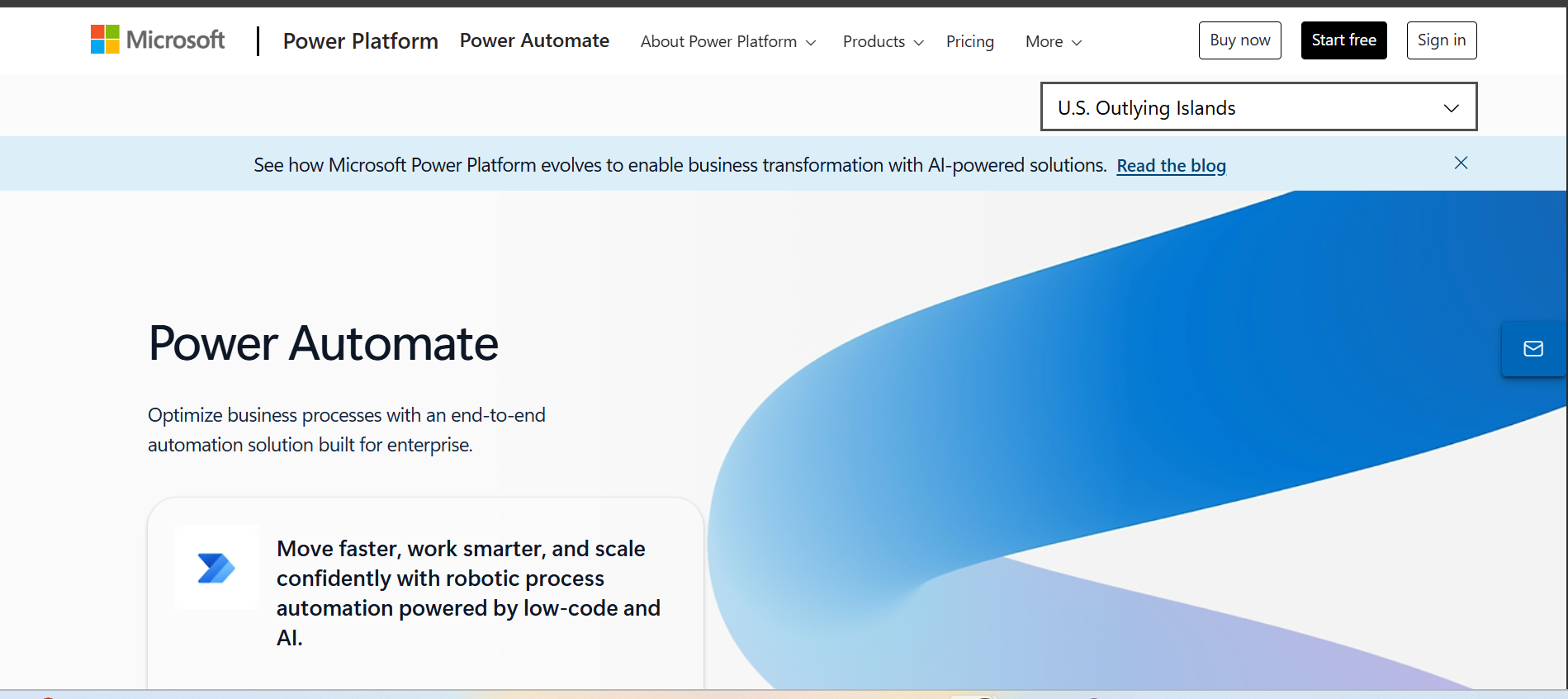
Microsoft Power Automate (formerly Microsoft Flow) is a cloud-based automation tool that enables users to automate workflows across hundreds of applications, including Microsoft 365, SharePoint, and Dynamics 365. It provides both low-code solutions for business users and advanced capabilities for developers to create complex automation processes.
Features
- Visual workflow builder (low‑code)
- Automated, instant, and scheduled flows
- Integration with Microsoft 365, Dynamics, Azure, etc.
- Hundreds of connectors to apps and services
- Conditional logic & branching
- Approval workflow templates for documents
- AI builder & process mining add‑ons
- Desktop & cloud flows for hybrid automation
- Integration with Power BI for analytics triggers
- API access for custom automation endpoints
Pros
- Seamless Microsoft ecosystem fit: Works with Teams, SharePoint, Outlook, and Excel
- Low‑code and friendly: Accessible for business users
- Robust connectivity: Extensive connectors to third‑party apps
- Strong documentation & community
- Flexible pricing & free trial options
Cons
- Limited for complex IDP: Works best for workflows, not deep document AI
- Learning curve with advanced logic
- Licensing costs can add up for premium connectors
- Action limits can constrain large flows
- Not always intuitive outside the MS ecosystem
Pricing
Power Automate pricing starts at $15 per user per month for basic workflow automation. More advanced features, including premium connectors and automation, are priced at $40 per user per month. There are also plan options for attended and unattended robots, with prices for enterprise plans available on request.
5. Parseur
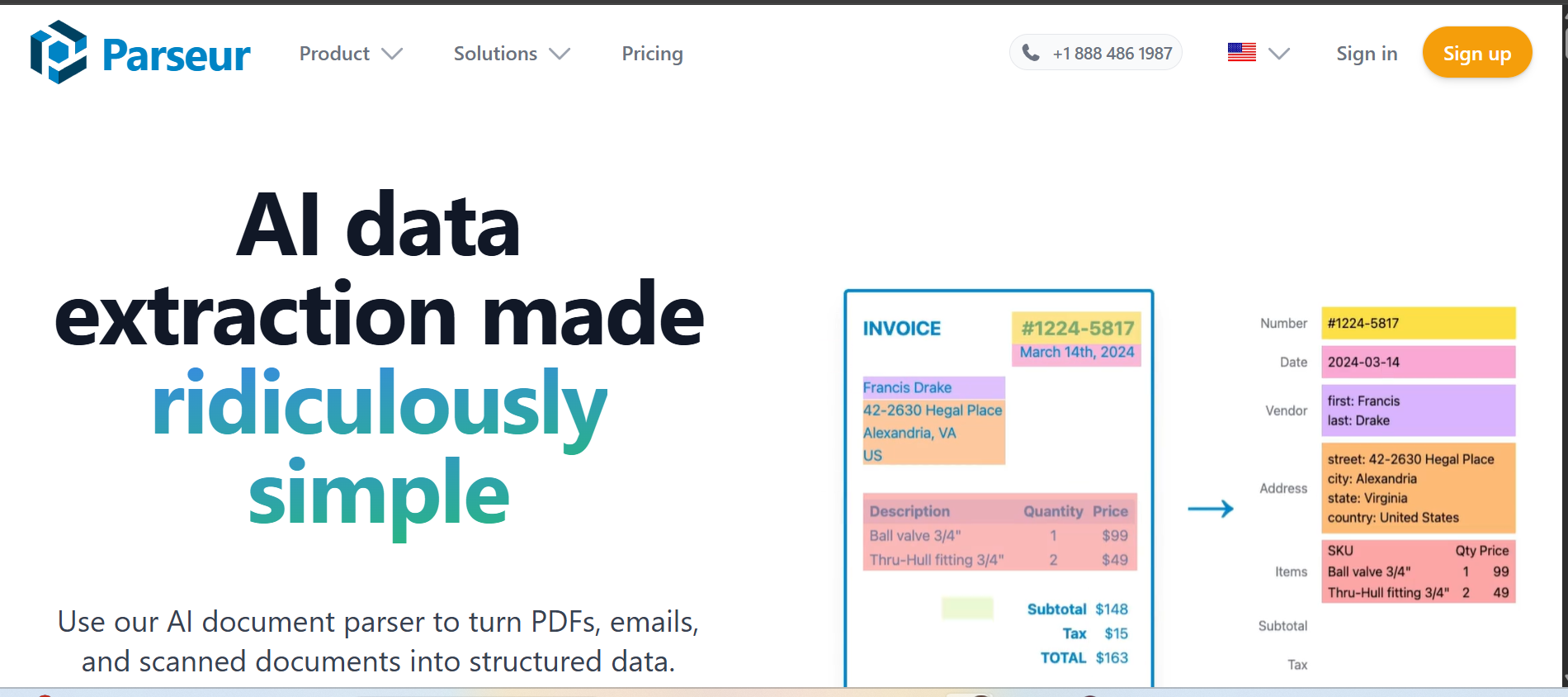
Parseur is an email parsing and document data extraction tool that focuses on automating the extraction of structured data from documents like invoices, purchase orders, and receipts. With an intuitive no-code interface, Parseur provides a flexible, AI-powered extraction engine designed to handle complex documents and integrate with other tools via APIs.
Features
- AI‑based data extraction from emails & PDFs
- Template‑based extraction engine
- OCR for scanned documents & images
- Dynamic zones for fields that shift layout
- Broad document format support (emails, HTML, spreadsheets)
- Built‑in template library
- Easy export (CSV, Excel, JSON) or via API
- Integration with automation tools (Zapier, Power Automate)
- No‑code setup for field extraction
- High uptime & scalable infrastructure
Pros
- Extremely easy to use: No coding required
- Excellent for email → data workflows
- Flexible template and AI engines
- Strong export & integration options
- Transparent pricing for many tiers
Cons
- Not an end‑to‑end automation platform: Focuses on parsing, not full workflows
- Limited advanced AI for high‑complex docs
- Manual template creation is still needed
- Less enterprise governance tooling
- Not designed for multi‑step conditional workflows natively
Pricing
Parseur’s pricing starts with a free tier for basic use, limited to 20 documents per month. Paid plans begin at $99 per month for up to 2,000 documents, with additional options for high-volume processing at $249 per month and higher. Custom enterprise pricing is also available.
How Infrrd Can Automate Data Entry Software?
Infrrd gives organizations a practical and intelligent way to move beyond manual data entry. By combining AI/ML within its Intelligent Document Processing (IDP) platform, Infrrd automatically extracts structured data from a broad range of sources, which include emails, invoices, forms, and scanned documents; reducing processing time and minimizing the risk of human error.
What distinguishes Infrrd from conventional tools is its ability to genuinely understand document content rather than simply read it. Through smart classification, cross-document validation, and agentic AI, the platform ensures that data is not only captured accurately but also verified and ready for use within existing workflows. Integration with current business systems is seamless, with flexible deployment options across both cloud and on-site environments.
Because the platform continuously learns and adapts, it scales naturally as document volumes grow, keeping human intervention to a minimum while delivering consistent, accurate, and compliance-ready outcomes across enterprise operations.
Conclusion
The persistence of manual data entry in 2026 remains a significant bottleneck for growing enterprises. While legacy tools and spreadsheets offer familiarity, they cannot match the speed, accuracy, or scalability of Intelligent Document Processing. Moving toward an automated data entry workflow is no longer just about cost-cutting; it is about reclaiming thousands of hours of productive time and eliminating the risks inherent in human error. By adopting AI-driven systems, organizations can transform their data operations from a manual burden into a high-speed, audit-ready asset.
FAQS
Q. What Is Data Entry Software?
Data entry software captures and processes data from documents or inputs into structured systems. It reduces manual typing and improves accuracy.
Q. What Software Is Used For Data Entry?
Common tools include spreadsheets, OCR software, and AI-based data entry automation platforms.
Q. Is Excel Considered Data Entry Software?
Yes. Excel is a basic data entry tool. It requires manual input and lacks advanced automation features.
Q. What Is Automated Data Entry?
Automated data entry uses software to extract, validate, and process data with minimal human effort.
Q. What Are The Benefits Of Data Entry Software?
It improves speed, accuracy, and efficiency while reducing manual work and operational costs.
Q. How Accurate Is Automated Data Entry?
Automated systems can achieve high accuracy when combined with validation rules and AI models.
Q. What Industries Use Data Entry Software?
Mortgage, insurance, finance, healthcare, logistics, and manufacturing rely heavily on data entry software.
Q. What Is The Difference Between OCR And Data Entry Software?
OCR converts images to text. Data entry software processes and structures that data for business use.
Q. How Do Companies Automate Data Entry?
They use OCR, AI models, validation rules, and integrations to process data from documents into systems.
Q. What Are The Use Cases Of Data Entry Software?
Invoice processing, loan processing, insurance underwriting, claims handling, and document verification are common use cases.