A document API can look great during a demo. You integrate and run it against a handful of sample invoices, and everything looks great. Clean layout, printed text, high accuracy, so you ship it.
Then a batch of handwritten forms comes through, or poor-quality scans, or a dense, multi-column table. Accuracy drops, and there's nothing you can do about it. No parameter to adjust, no config flag, no way to say "use a different model for this document type." You're stuck with whatever the endpoint gives you.
That's the moment most developers realize something they didn't think to check during evaluation: they never actually chose which model processes their documents. The vendor did, and that choice, made once, quietly, before you ever signed up, is now yours to live with.
When Your Document Pipeline Works in the Demo but Breaks in Production
Most document API evaluations start with a small test set. Teams upload invoices, bank statements, forms, or contracts and check whether the output looks correct.
The problem often appears after deployment. A clean digital invoice may extract well because the layout is easy to read and the fields follow familiar patterns. A handwritten form can behave very differently. So can a 40-page financial statement with nested tables, footnotes, repeated headers, and values spread across several pages.
If the API exposes a single flat endpoint, the developer may receive no useful response when accuracy declines. The request goes in, and the result comes out. The model between those two steps remains hidden.
This is the moment the architecture matters. You may have chosen the API provider, but the provider chose the model. If the platform does not expose model selection or routing, you also inherit that model's strengths and limits.
Behind Every Document API Is a Model You May Never Have Chosen
A document API needs a processing engine behind the endpoint. Some platforms combine several models while others may rely heavily on a single foundation model or model family.
The issue is whether you can see and control that decision. If the model stays hidden, you cannot easily answer basic engineering questions.
Which model handled this request? Did the vendor use the same model for classification and extraction? Did a more expensive model process a simple document? What happens if the provider changes the model later?
A flat per-page price can also hide the economics of each request. You may not know how much comes from parsing, classification, extraction, validation, or the model itself. Developers cannot tune what the endpoint does not expose.
Why One Model Cannot Be the Best Fit for Every Stage
A document pipeline is not one task. The system may parse a file and understand its layout, split a packet, classify each document, extract fields or tables, then validate or transform the output. These stages ask different things from a model.
Classification may need speed and reliable category selection. Table extraction may need stronger visual and structural reasoning. Handwritten documents may need better image understanding. Post-processing may involve simple formatting or a narrow validation task that does not require the most capable model in the stack.
Using the same model for every step can waste compute on simple work or limit performance on harder stages that need another option.
The better question is not, "Which model is best?" It is, "Which model is the best fit for this stage, this document, and this requirement?"
You're Paying Frontier Prices Even for Commodity Extraction
Model choice is also a cost decision. LLM providers price models differently because capabilities and compute requirements vary. Anthropic, for example, publishes different token prices across its model lineup rather than one universal rate.
A flat document API fee hides that layer from the developer.
Imagine that document classification only needs a lighter model, while a difficult table extraction needs a more capable one. If every stage runs through the same high-cost path, you may pay more than the workflow requires. If the vendor uses a cheaper model everywhere, you may save money but lose accuracy on harder cases. Without model-level visibility, you cannot tell which tradeoff you are making.
The problem is not flat pricing by itself as it can help with predictable billing. The problem starts when flat pricing is paired with hidden model decisions and no way to change them. You cannot optimize spend if you cannot see what creates the spend.
When the Vendor's Model Changes, Your Pipeline Can Feel It
Foundation models have product lifecycles. Providers release replacements which show to be better than older models, and sometimes shut endpoints down.
Anthropic documents model stages such as active, legacy, deprecated, and retired, and states that requests to retired models fail. Google also publishes shutdown schedules for Gemini models and directs developers to replacements when models reach end of service. OpenAI publishes a similar deprecation policy, giving models an official shutdown date and a minimum notice period before requests to them stop working.
Not every model update will break a pipeline, but model dependency is still an engineering dependency. If your document API vendor controls that dependency behind a black box, the vendor may need to migrate models or change processing logic without exposing those changes to you. Output behavior can shift even though your own code did not change.
A multi-model routing layer can reduce this dependency. If one model becomes unavailable or performs poorly for a task, the pipeline can move that stage to another supported option instead of tying the whole workflow to one backend.
Six Questions to Ask Before You Build on Top of a Document API
A strong document API evaluation should test more than sample accuracy. Ask how the system behaves after the demo.
- Can I see which model handles my request?
You should know whether model selection is visible or hidden. - Can I select or override the model by document type?
A handwritten form and a digital invoice may need different processing choices. - Can I choose a model for each pipeline stage?
Parsing, classification, extraction, and post-processing should not automatically be treated as the same task. - Is pricing visible at the model level?
Ask whether the bill shows how model selection affects processing cost. - What happens if the vendor changes or retires a model?
Ask about migration, testing, versioning, and how changes are communicated. - Is there a fallback or routing layer?
Find out whether another model can take over when the preferred option fails, slows down, or stops meeting your accuracy target.
These questions reveal how much control your engineering team actually has.
What Model Choice Actually Looks Like at the API Level
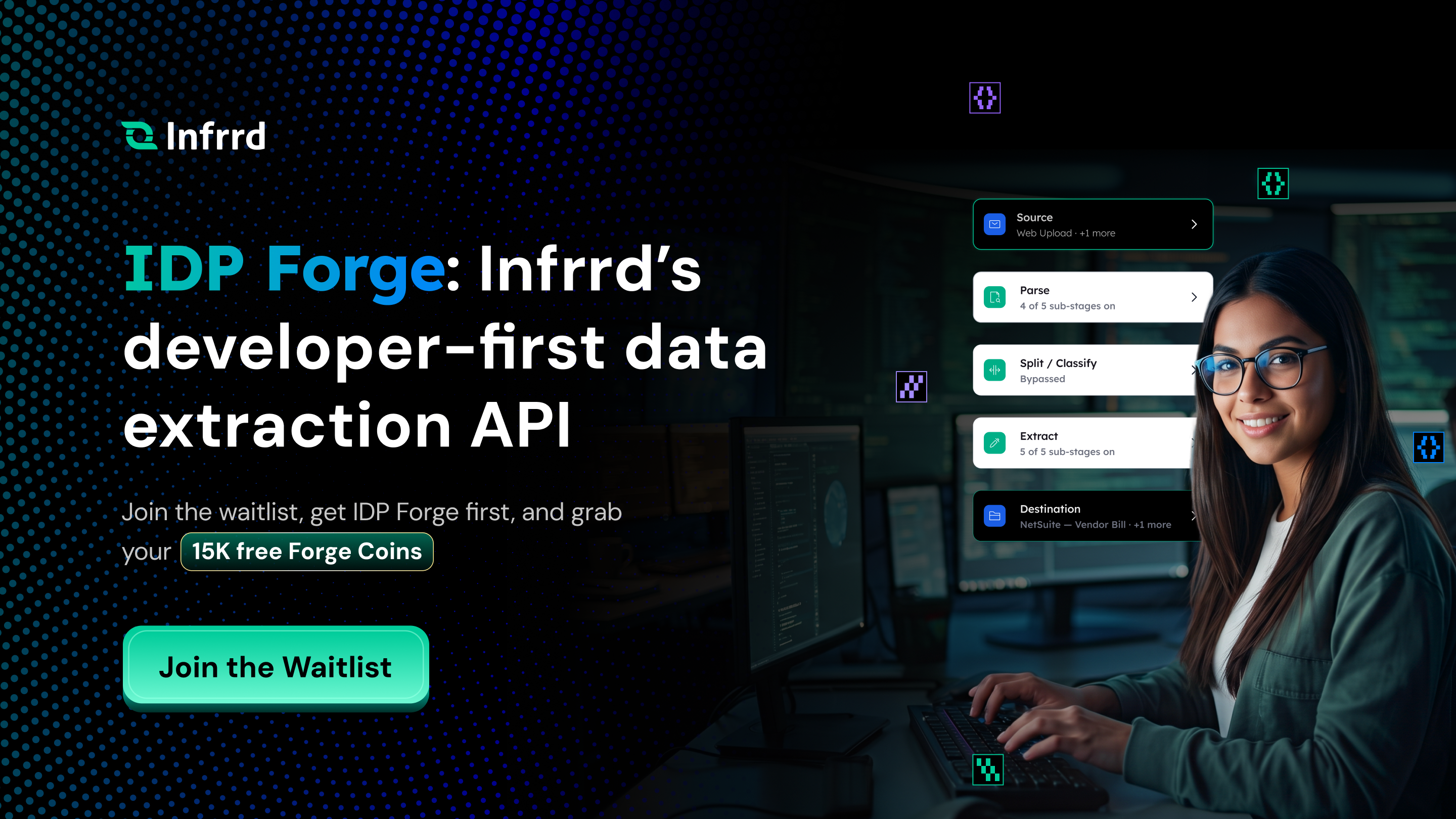
Model choice should mean more than selecting one LLM for an entire document workflow. In IDP Forge, model selection can happen by pipeline stage. Parsing, split and classify, extraction, and post-processing can use different model choices based on the job each stage needs to perform. That turns a fixed dependency into a configurable pipeline.
A developer could use a lighter model for a simpler stage, then assign a stronger model to a document or extraction step that needs deeper reasoning. A table-heavy workflow does not have to use the same processing path as a basic classification task. The developer can make that decision instead of accepting one vendor-selected default for everything.
The same idea applies to cost. When model choice is exposed, developers can compare accuracy and spend by stage instead of judging the entire API as simply "cheap" or "expensive."
Routing means deciding which model handles each part of the pipeline, then changing that choice as requirements change. Production document workloads rarely stay static. New vendors appear, forms change, handwriting enters the queue, and tables might get harder. A new client may introduce a document type that was never part of the original test set.
A configurable document extraction API gives developers another lever to respond without rebuilding the whole workflow from the ground up.
The Question That Actually Matters Before You Integrate
"How accurate is the demo?" is useful, but it is not enough. A better question is: "What happens when my next document does not fit the model behind the endpoint?"
If the answer is "send it to the same endpoint again," your options are limited. Your team may need to add its own preprocessing, build exception logic, add another vendor, or accept more manual review. If the API exposes model choice and routing, the accuracy gap becomes something you can work on inside the pipeline.
You can test another model or change one stage without replacing the full integration. You can use a lighter option where speed and cost matter more, then reserve stronger models for the steps that justify them. The goal is not to use more models for the sake of using more models. The goal is to keep model choice from becoming a vendor-controlled constraint.
Before you commit to a document API, look past the endpoint. Ask what runs behind it, what you can change, what you can measure, and what happens when the model that worked in the demo is no longer the right production model.

Häufig gestellte Fragen
Eine QC-Checkliste vor der Finanzierung besteht aus einer Reihe von Richtlinien und Kriterien, anhand derer die Richtigkeit, Einhaltung und Vollständigkeit eines Hypothekendarlehens überprüft und verifiziert werden, bevor Mittel ausgezahlt werden. Sie stellt sicher, dass das Darlehen den regulatorischen Anforderungen und internen Standards entspricht, wodurch das Risiko von Fehlern und Betrug verringert wird.
Ja, IDP kann Dokumenten-Workflows vollständig automatisieren, vom Scannen über die Datenextraktion und Validierung bis hin zur Integration mit anderen Geschäftssystemen.
Eine QC-Checkliste vor der Finanzierung ist hilfreich, da sie sicherstellt, dass ein Hypothekendarlehen vor der Finanzierung alle regulatorischen und internen Anforderungen erfüllt. Das frühzeitige Erkennen von Fehlern, Inkonsistenzen oder Compliance-Problemen reduziert das Risiko von Kreditmängeln, Betrug und potenziellen rechtlichen Problemen. Dieser proaktive Ansatz verbessert die Kreditqualität, minimiert kostspielige Verzögerungen und stärkt das Vertrauen der Anleger.
IDP nutzt maschinelles Lernen, um die Genauigkeit der Datenextraktion ständig zu verbessern, Fehler zu reduzieren und zuverlässige Ergebnisse zu gewährleisten.
IDP automatisiert den Arbeitsablauf der Dokumentenverarbeitung, von der Datenextraktion bis zur Klassifizierung und Validierung, reduziert den manuellen Aufwand und beschleunigt den Betrieb.
IDP automatisiert die Extraktion und Kategorisierung von Daten aus Finanzdokumenten, E-Mails und Verträgen und hilft Prüfern dabei, Unstimmigkeiten und potenziellen Betrug schnell zu erkennen.